An alarm that makes you walk before it turns off
NoNap's Steps and Distance wake tasks use your phone's motion sensors and GPS, processed on the device only, to make you walk before the alarm stops.
Visana Studios
6 min read
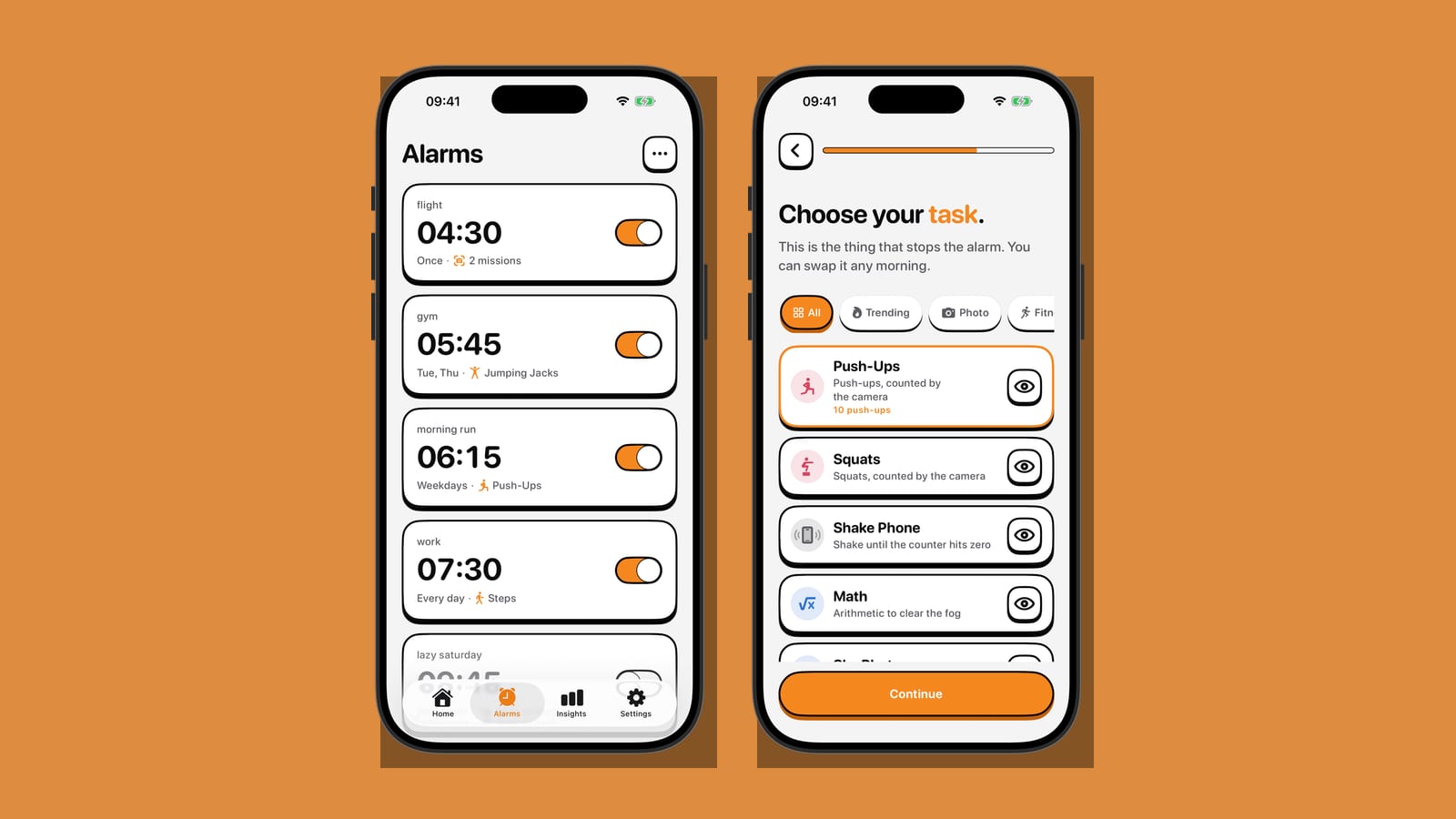
Two of NoNap's wake tasks don't ask you to do anything clever. They ask you to walk. Steps counts a number of steps using your phone's motion sensors. Distance measures how far you've moved using GPS and doesn't stop the alarm until you've covered it. Neither cares whether you're graceful about it at 6 a.m. They just wait for the movement.
That's a deliberately blunt design. A push-up can be faked with a half-hearted wiggle in front of the camera if you're determined enough. Walking twenty metres across a bedroom, down a hallway, or around a block is harder to fake, because there's no shortcut that isn't also just doing the thing.
What each task actually asks for
Steps reads your phone's accelerometer and motion sensors and waits for the counter you set to be reached. It doesn't care where you are. Pacing a small room works exactly as well as a hallway, which makes it the more forgiving of the two for a studio apartment or a rainy morning.
Distance is a different kind of commitment. With your permission, it turns on location services and GPS the moment the alarm goes off, and tracks how far you've physically moved until you hit the target. It's built for actually leaving the room, and in most homes that means leaving the building.
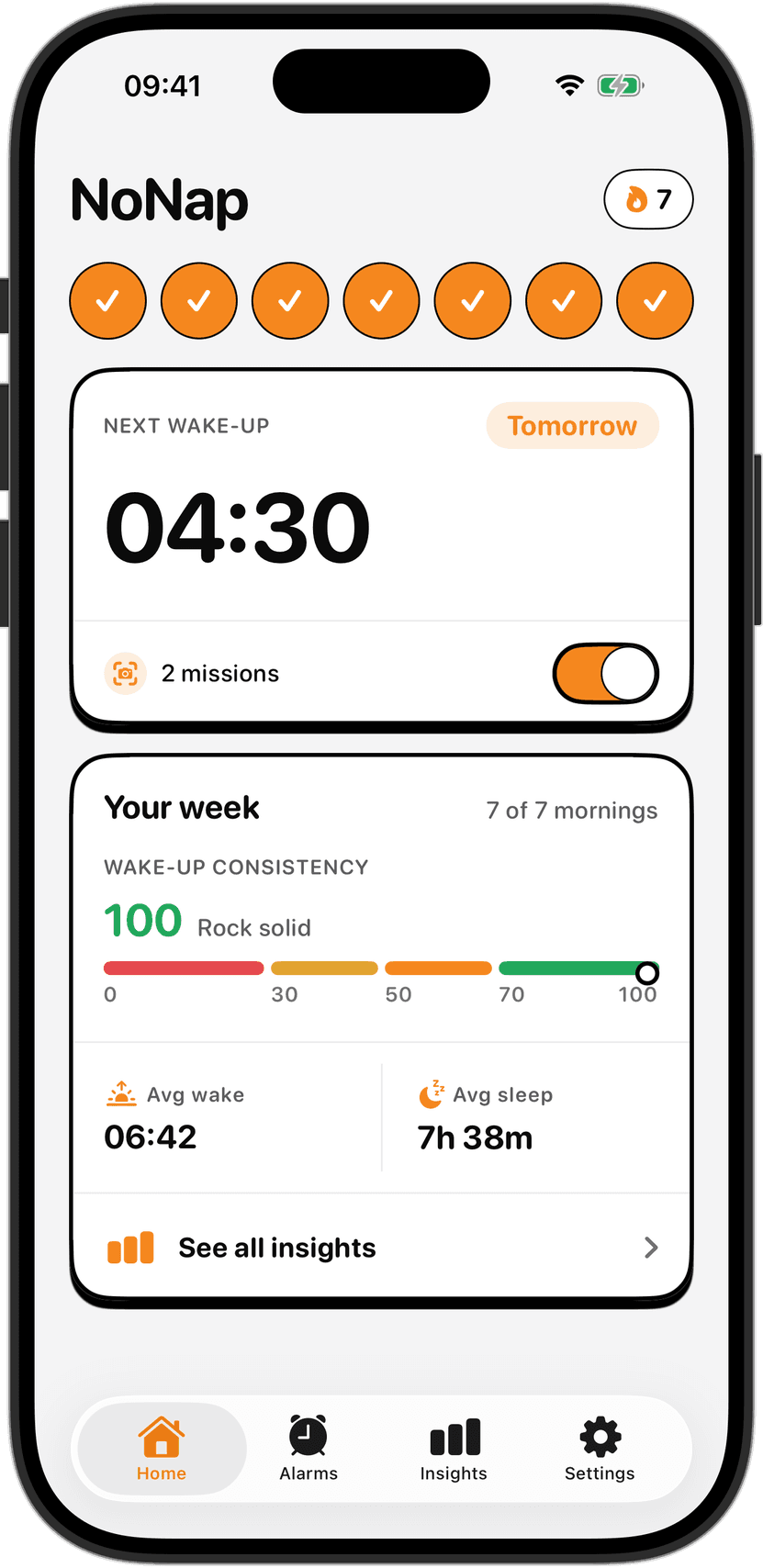
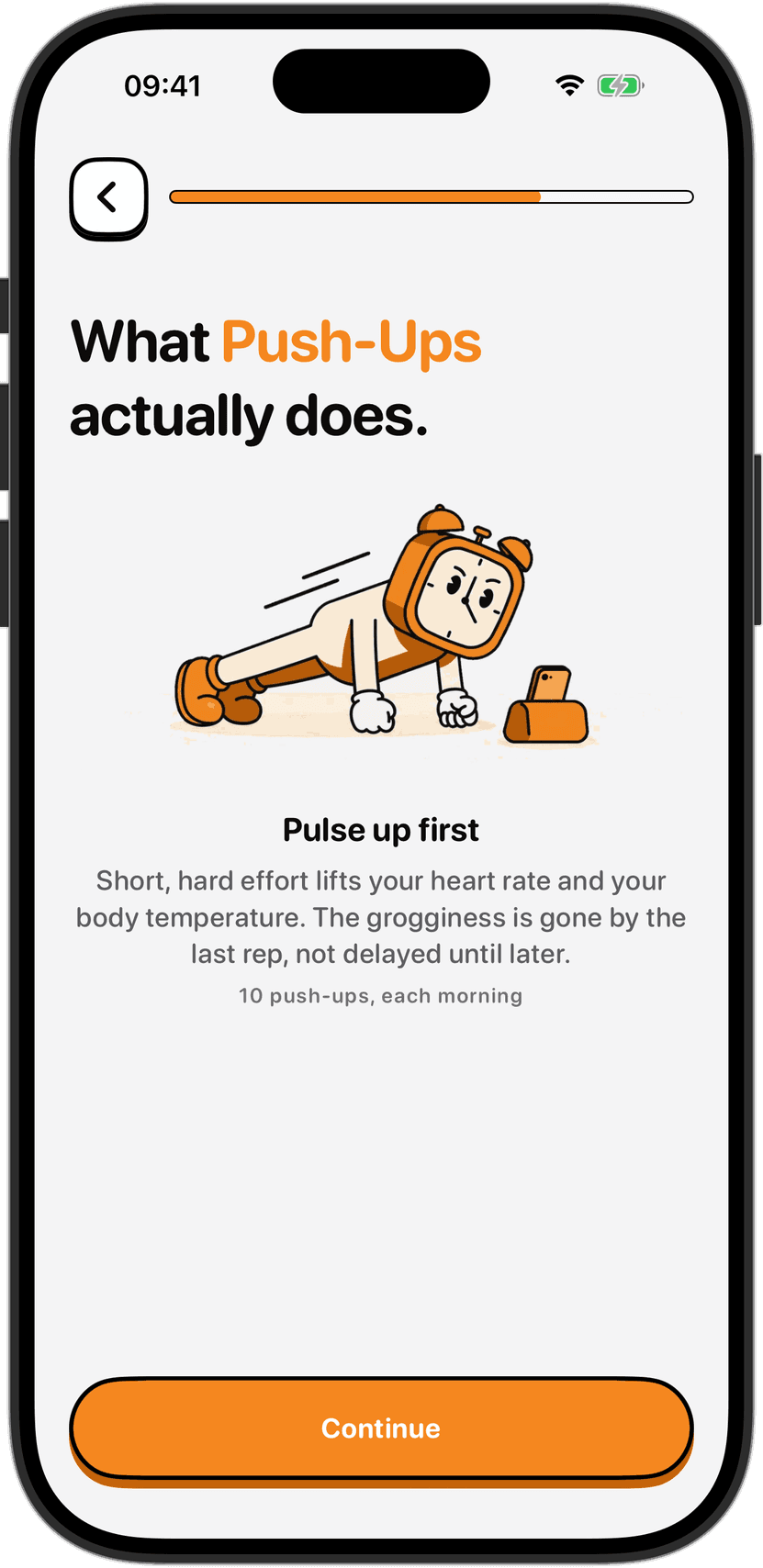
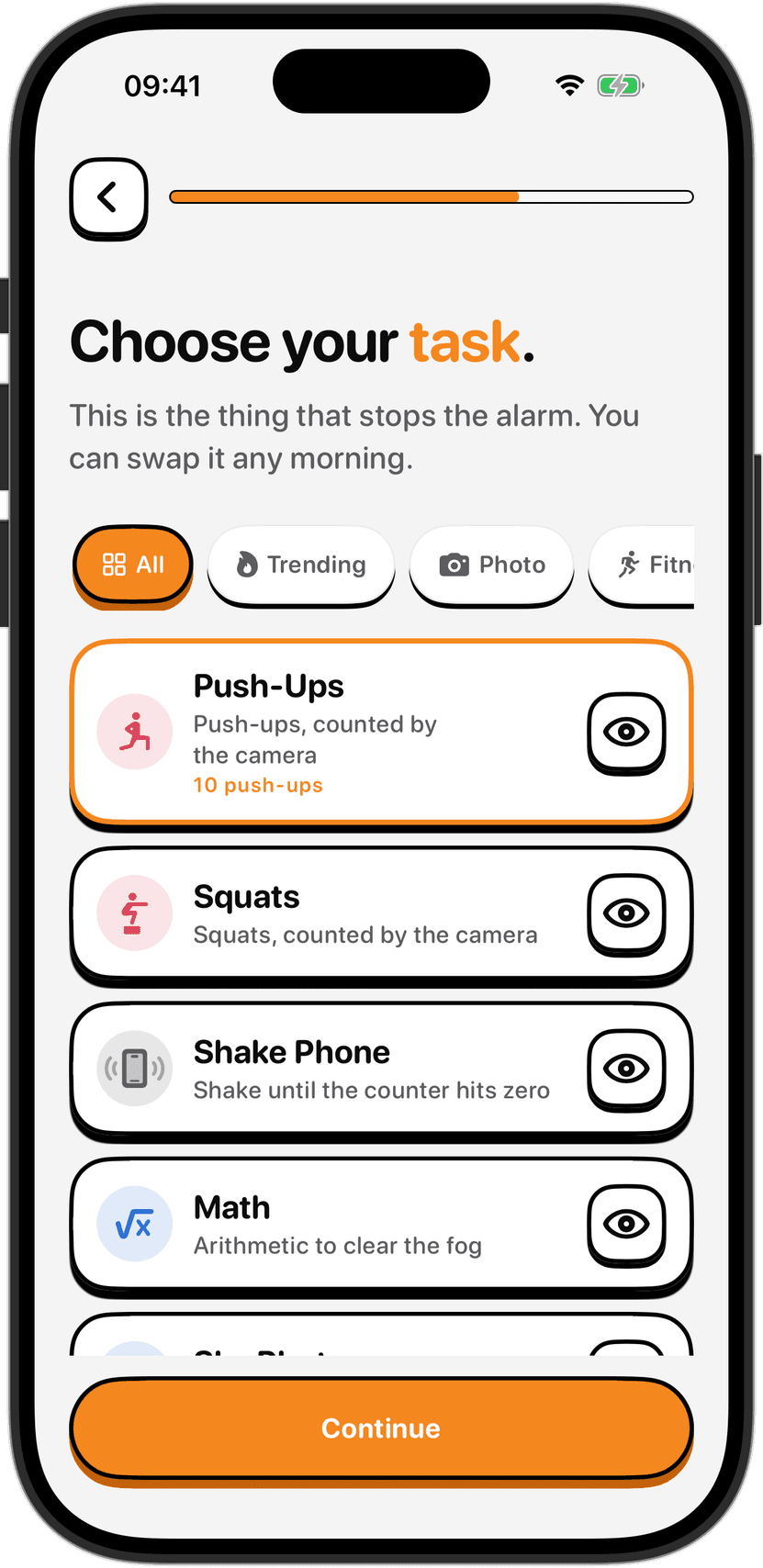
Both sit next to Push-Ups, Squats, Dance, Shake Phone, Photo, Object and Math on the same task picker, and you can change your pick any morning it stops suiting you.
How it's verified, and what never leaves the phone
Motion readings for Steps are processed on the device to decide whether the target's been hit, then discarded. They're not retained after the task ends and they're never transmitted anywhere. Turning off Motion & Fitness access in iOS Settings disables the task; everything else in the app keeps working.
Distance works the same way with a tighter window. Location is requested only when a Distance alarm actually rings, and released the moment the task finishes. NoNap doesn't run background location tracking, doesn't build a history of where you've walked, and doesn't hand your coordinates to us or to anyone else, including the RevenueCat service that verifies purchases. The app keeps the distance you covered for that one task. It doesn't keep the route.
GPS accuracy is also not perfect, and that's worth setting expectations around. Buildings, tunnels, bad weather and indoor use all affect it, so a walk that should register as 400 metres might take a little longer to register than the number on the target suggests. If a Distance target keeps failing to register indoors, that's usually why.
Read the warnings before you set a target
Getting up and walking half-asleep is not the same as walking at noon. Coordination and judgement are both measurably worse in the first minutes after an alarm goes off, which is exactly when this task asks you to move. A few things matter enough to say plainly, in the same terms NoNap's own terms of service use.
Clear the space around you before you start. Watch for stairs, furniture, cords, pets and anything else you could trip on or into. If Distance is going to take you outside, that means real outdoor hazards: traffic, cyclists, kerbs, uneven pavement. Don't look at your phone screen instead of where you're walking, and never do a walking task while driving or cycling. If anything hurts, or you feel dizzy, short of breath or otherwise wrong, stop and get help rather than pushing to finish the target. None of this is medical advice, and if you have a health condition that makes movement risky first thing in the morning, talk to a doctor before setting a physical task at all. Set a step count or distance you can hit even on a bad morning, and swap to Math on the days your body or your surroundings don't feel right for it.
Does walking actually help you wake up
There's a reasonable case for it, though the evidence is narrower than it sounds. A 2015 study in Sleep Medicine had 50 adults follow a gradually advancing sleep schedule while getting timed exposure to bright light, around 5,000 lux, shortly after waking. Even a single 30-minute exposure shifted participants' circadian timing earlier by close to two hours, about three quarters of the phase shift produced by a full two hours of light. Ordinary daylight, even on an overcast morning, is far brighter than most indoor lighting, so a walk outside is a simple way to get a dose of it without owning a light box.
Whether that translates directly into feeling less groggy in the moment is murkier. A 2024 study in Neuropsychobiology tested 44 men under bright versus dim, and blue versus red, light right after waking, and measured both reaction time and self-rated sleepiness. Subjective sleepiness dropped in every lighting condition tested, bright light included, but reaction time didn't reliably improve with brighter light, and in one comparison it was actually slower under bright light than dim. The honest summary is that morning light plausibly nudges your body clock earlier over days, while its effect on how sharp you feel in the first few minutes is less consistent than the general advice implies.
Walking itself, separate from the light, still raises heart rate and body temperature a little, and movement in general is one of the more consistently cited ways to push through sleep inertia faster than sitting still would. None of that makes NoNap a fitness or medical tool. It's an alarm with a task attached, and the task happens to be one that gets some people out the door before they've had time to talk themselves out of it.
Picking between Steps, Distance and the rest
Steps suits mornings when leaving the building isn't realistic: bad weather, an early flight, a shared space where nobody else needs waking up. Distance suits the opposite case, when getting outside for a minute is exactly the point, maybe paired with checking on a dog or catching the sunrise. Both ask more of you than Math or Shake Phone, which is exactly why they work for people who've learned to sleep through the gentler options.
If sharing a bed makes any camera-based task awkward, Steps and Distance sidestep that entirely, since neither one opens the lens. The full breakdown of what the camera tasks do and don't record is in an earlier post on camera permissions, including why Photo and Object never save an image either.
There's no single right task, and the FAQ says as much: the correct one is whatever you can't do in your sleep but can still manage half-awake. For a lot of mornings, that turns out to be walking to the end of the hallway and back.
Sources
Crowley, S.J. and Eastman, C.I. (2015), "Increasing the amount of bright light in the morning improves circadian phase advances," Sleep Medicine, comparing 30-minute, 1-hour and 2-hour morning bright-light exposures in 50 adults on a gradually advancing sleep schedule, for the phase-advance figures and the finding that 30 minutes produced roughly three quarters of the effect of two hours.
Mekschrat, C. et al. (2024), "Light Exposure on Alertness after Wake-Up in Healthy Men: Comparing Dim, Bright, Red, and Blue Light," Neuropsychobiology 83(5-6): 183-192, for the reaction-time and Karolinska Sleepiness Scale results in 44 participants across four post-wake light conditions.