Photo and object wake tasks: proving you're out of bed
How NoNap uses your phone's camera to verify you're awake by photographing your surroundings, with no video recorded.
Visana Studios
5 min read
Sleep inertia, the grogginess that lasts minutes after an alarm, is not a motivation problem. Your brain is still partly asleep. When you're still in bed half-conscious, you need a wake task that forces you vertical and breaks the grogginess before you can negotiate your way back under the covers.
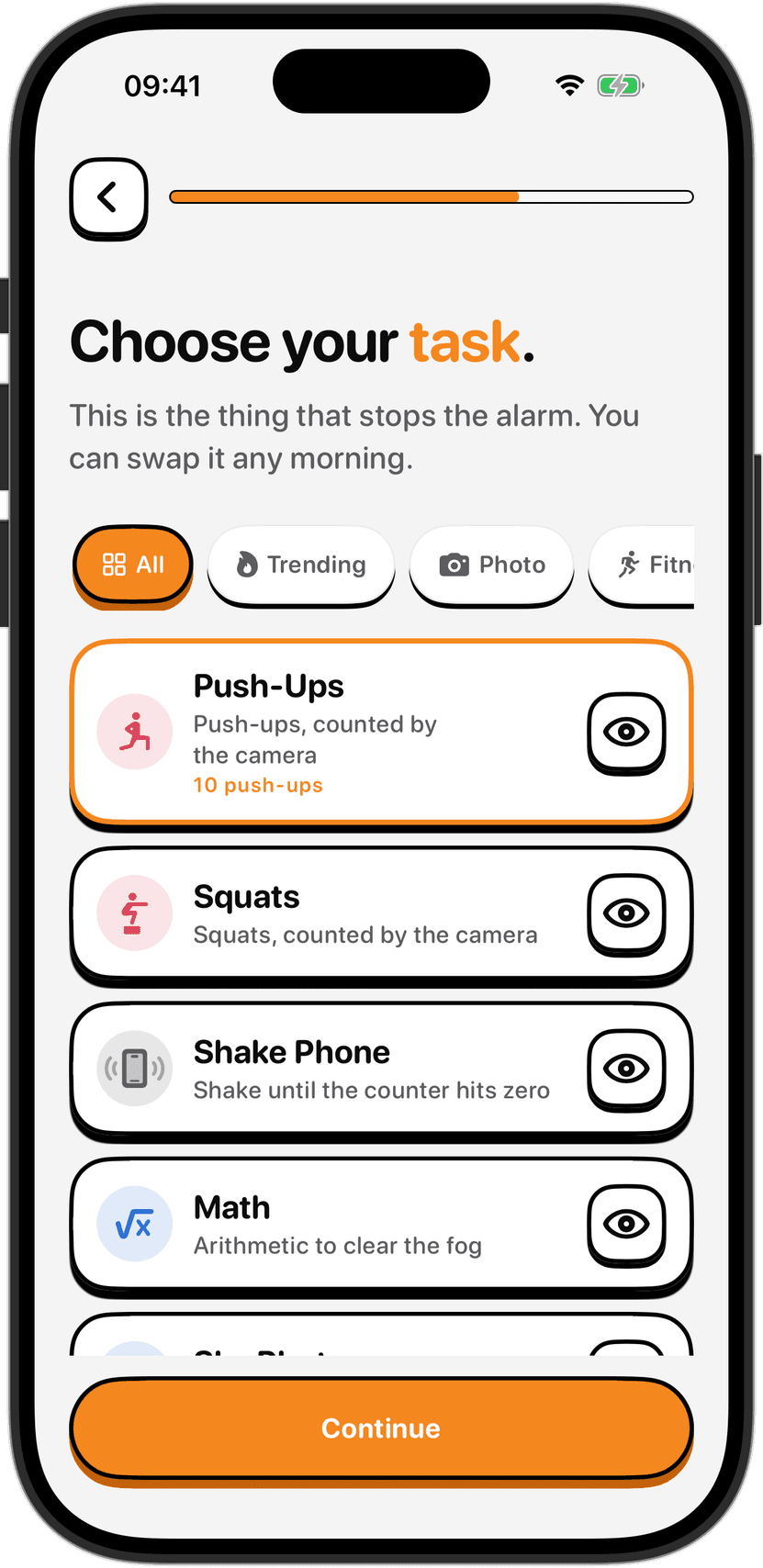
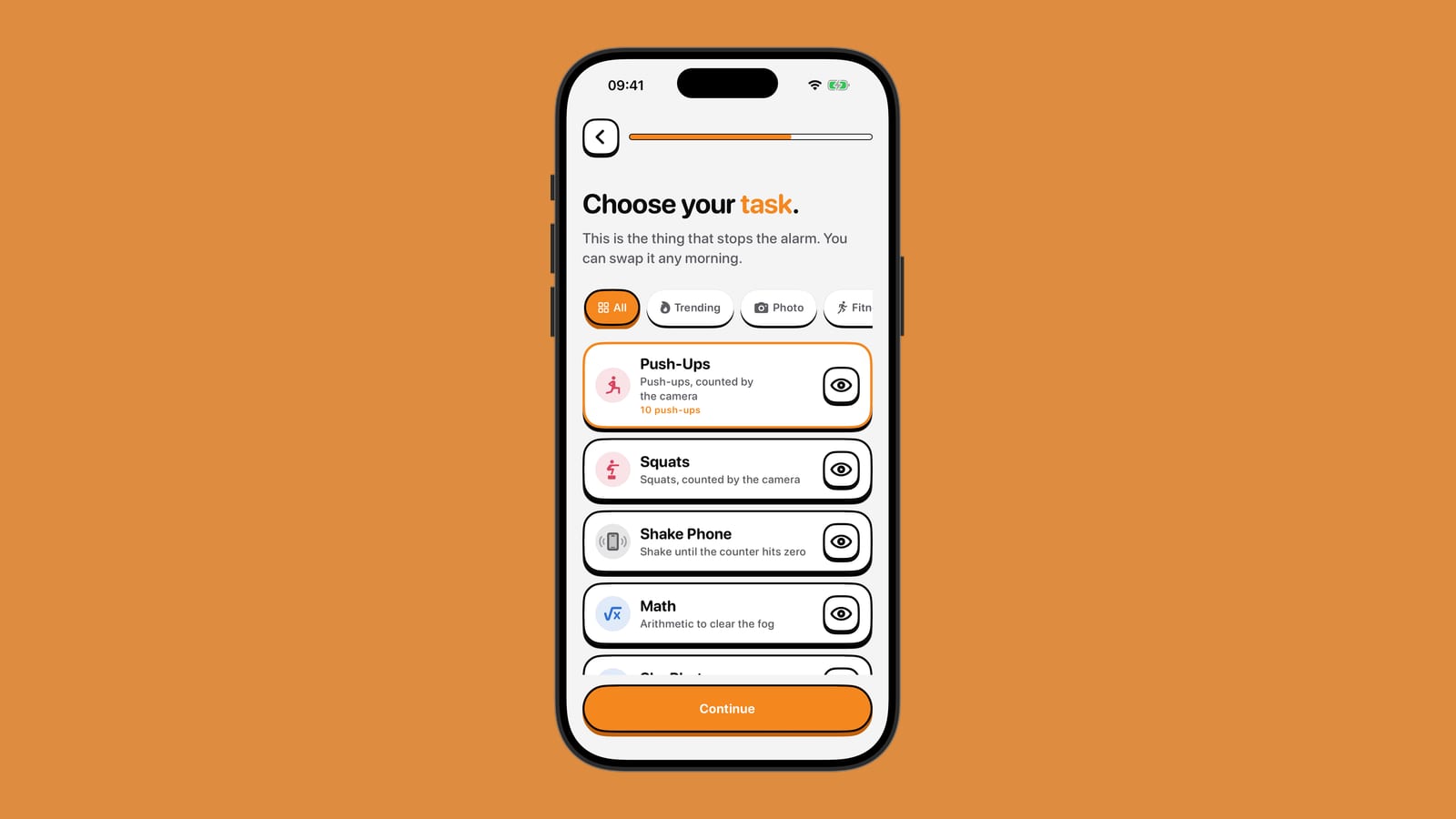
The best wake-up proof is physical proof that you have actually gotten out of bed. That's where photo and object tasks come in. Instead of counting reps or steps, they ask you to do the simplest possible thing that proves you're awake enough to get up: point your phone's camera at something.
What photo and object tasks are
The Photo and Object tasks in NoNap work the same way. You point your phone's camera at your surroundings and let the app check that what it sees matches what you said it would see. That's all. No video is recorded, no photos are saved, and nothing leaves your phone.
When you set up an Object task, you tell NoNap what to look for. A made bed works well since getting up automatically unmakes it. Some people point at the bathroom sink, their kitchen, or a specific object they put in plain sight the night before. Whatever you choose, it needs to be something you would only photograph if you were standing up and actually looking around.
A Photo task is less specific. You point the camera at your room and the app checks that you're pointing the camera somewhere in your space, not at the ceiling or under the covers. If you're still horizontal, you can't get the camera angle right.
Why nothing is recorded
The detection runs entirely on your device using machine learning. Your phone looks at what the camera sees, frame by frame, in real time. The moment it detects a match, the task is complete. Nothing is saved, stored, uploaded, or sent to us or to anyone else.
That matters for privacy. You might have other people, pets, or personal details in your room. NoNap will see them when it's looking through the camera, but it does not store any image of them. The app discards each video frame before it processes the next one. Nothing reaches the internet.
It also matters for reliability. No internet connection means the app does not need to phone home to verify your task. The verification happens offline, on your device, without waiting for a server or worrying about network failure waking you up at the wrong time.
Choosing what to photograph
The best photo targets are things that make sense to check first thing in the morning. A made bed means you got vertical enough to leave the bedroom. The bathroom sink means you made it to the sink. A coffee maker, a kitchen table, a specific door. Whatever you would naturally see if you were up and moving around.
Avoid targets that are visible from bed. If you can photograph it without sitting up, it defeats the purpose. Similarly, choose something that will still be there tomorrow morning. A target that gets packed away or moves defeats the task too.
Some people change their photo target every few days to keep it interesting. Others lock in a target that works and never change it. The app lets you switch tasks any morning when you wake up, so if a target stops working, you can switch to a different task on the spot.
When to use photo or object tasks
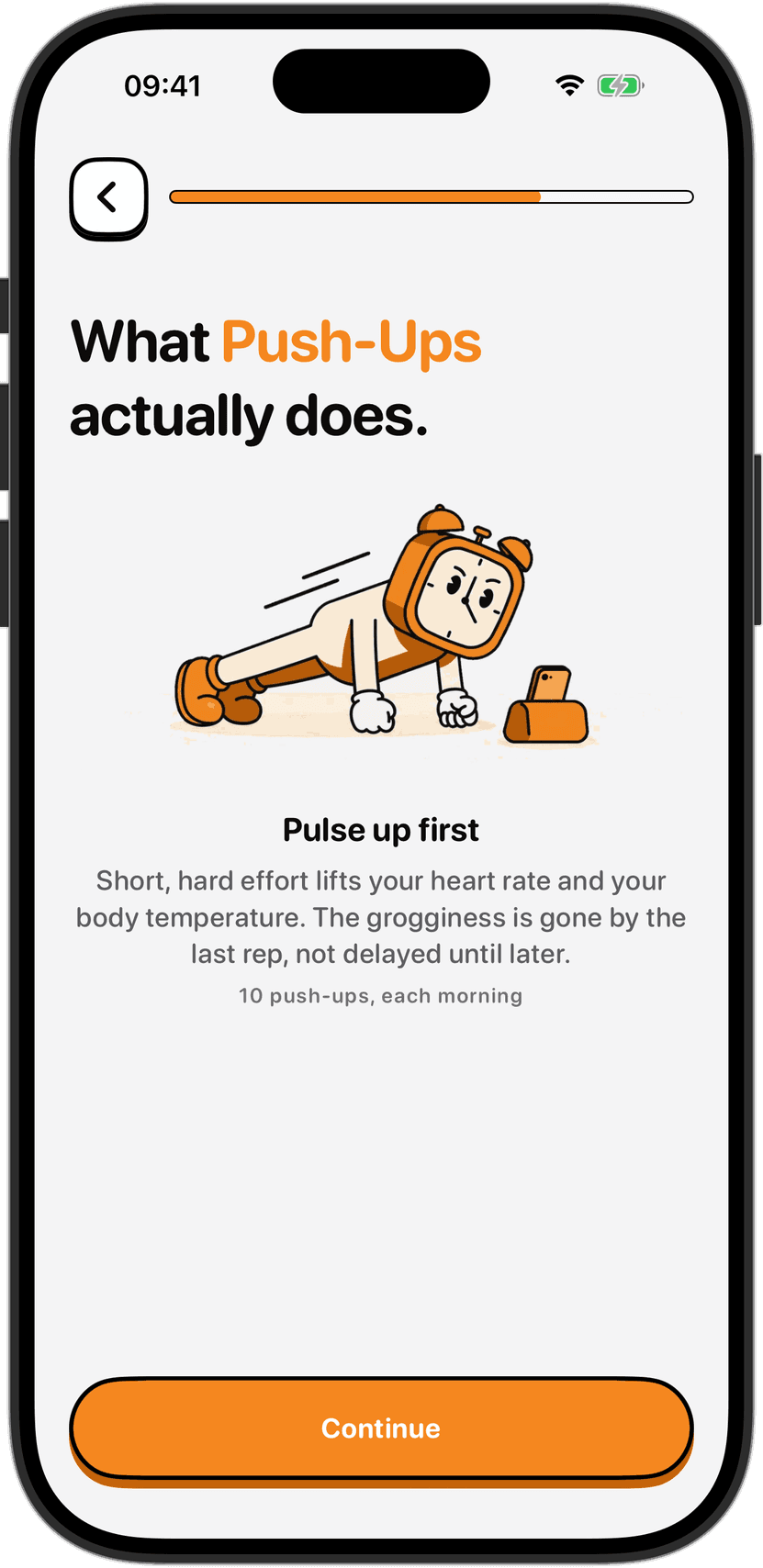
Photo and Object tasks beat movement tasks if you have an injury, you are too stiff in the morning, or movement wakes other people in your household. They also work better when you have limited space. Push-ups need room to lie down. A photo task works in a dorm, a small bedroom, or anywhere you can hold your phone steady.
Photo and Object are the gentlest wake tasks. Nothing hurts, nothing is strenuous, and the movement required is minimal. The only requirement is that you are awake enough to get vertical, point a camera, and frame a shot. That is enough to break sleep inertia in most mornings.
One limit: photo tasks rely on the device camera. If you have injured hands that make holding the phone difficult, or a disability that makes framing a shot hard, Math and Shake Phone are less physical and might suit you better. The right task is one you can finish half-awake but not while still asleep.
Accuracy and what can go wrong
Object detection is automated and is not perfect. Lighting, camera angle, distance from the camera, the angle you are holding your phone at, and what else is in the frame can affect it. If your target is partly hidden, the detection might miss it. If you have a reflective surface and the light bounces oddly, detection can get confused.
If the app is having trouble seeing your target, switch to a different target. A made bed works better than a cluttered desk. A distinct object works better than something that blends into the background. The system is made to work with what you point at, not to force perfect conditions.
If the task stops being recognised frequently, switch to a different task altogether. Other options that require you to be vertical and awake include Steps, Distance, or Shake Phone. NoNap is designed so you can change your task any morning without planning ahead.
Privacy and permissions
Photo and Object tasks ask for camera permission the first time you use them. You grant that permission in iOS Settings, the same place you control permissions for every other app. You can revoke camera access at any time. NoNap will tell you the camera-verified tasks are disabled, and you can switch to one of the other tasks instantly.
The camera feed is not used for facial recognition, person tracking, or any form of identification. The app looks for a specific object or scene, not at your face, and deletes what it sees immediately after checking it.
Sources
NoNap Terms of Service, section 6: Wake tasks and how they are verified. https://nonap.app/terms#wake-tasks
Generated by Claude Code