NoNap vs Alarmy: Comparing Two Anti-Snooze Alarms
A fact-checked look at how NoNap and Alarmy stop you from snoozing, what each one costs, and how they handle your data, based on their App Store listings.
Visana Studios
5 min read
Search for an alarm that forces you out of bed and Alarmy comes up first, almost every time. It has been doing this for years, with a large following to show for it. NoNap is newer and narrower. Both exist because a sound alone doesn't get most people up. Here is how they actually differ, based on what each one states on its own App Store listing.
How each one gets you moving
Alarmy dismisses its alarm through what it calls missions. Its App Store description lists math problems, memory games, phone shaking, and squats, plus a photo mission where you snap a picture of a place you registered in advance, and a barcode or QR scan. You pick a mission per alarm. The listing does not say how the squats mission is checked, just that it is one of the mission types.
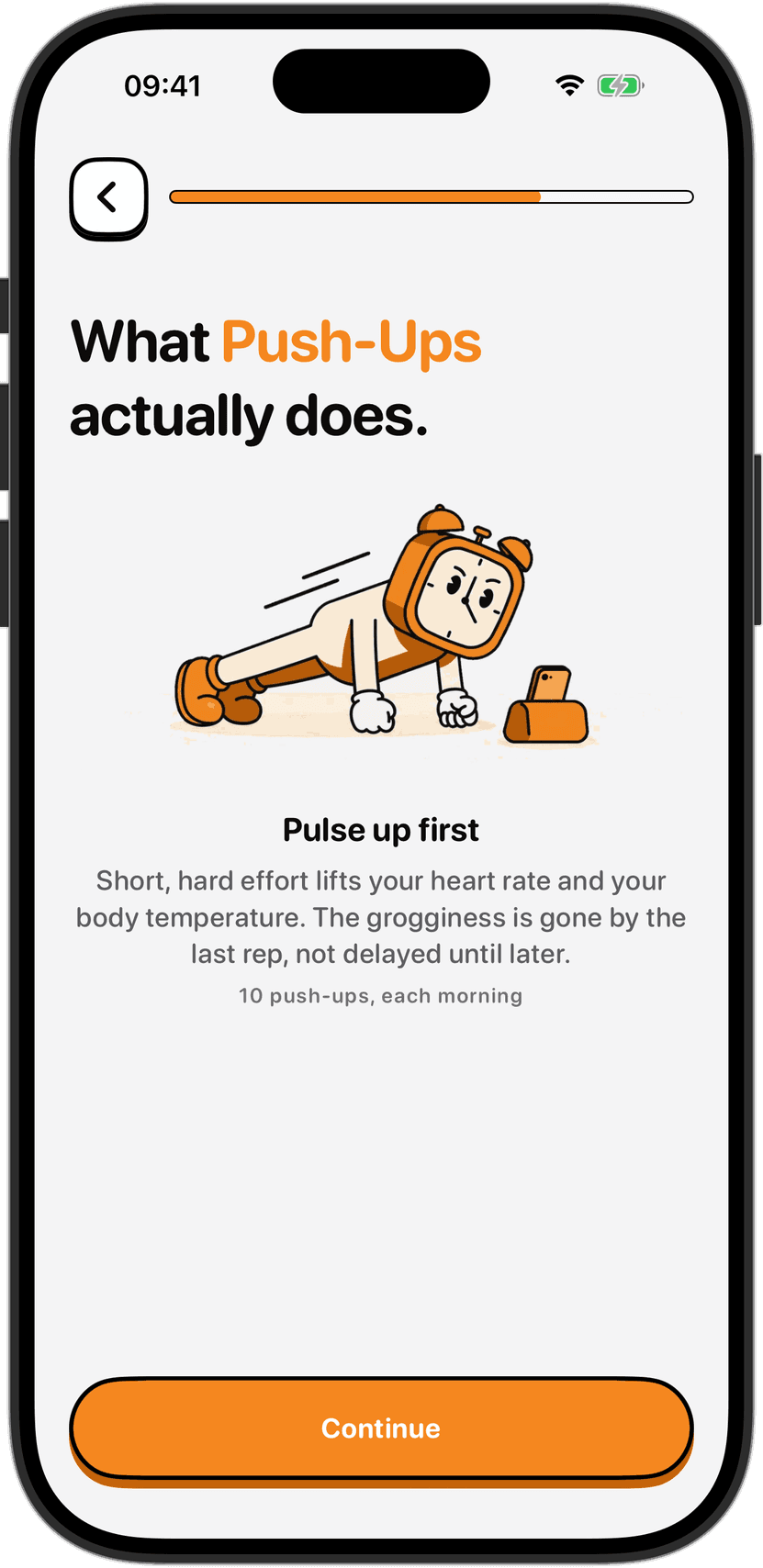
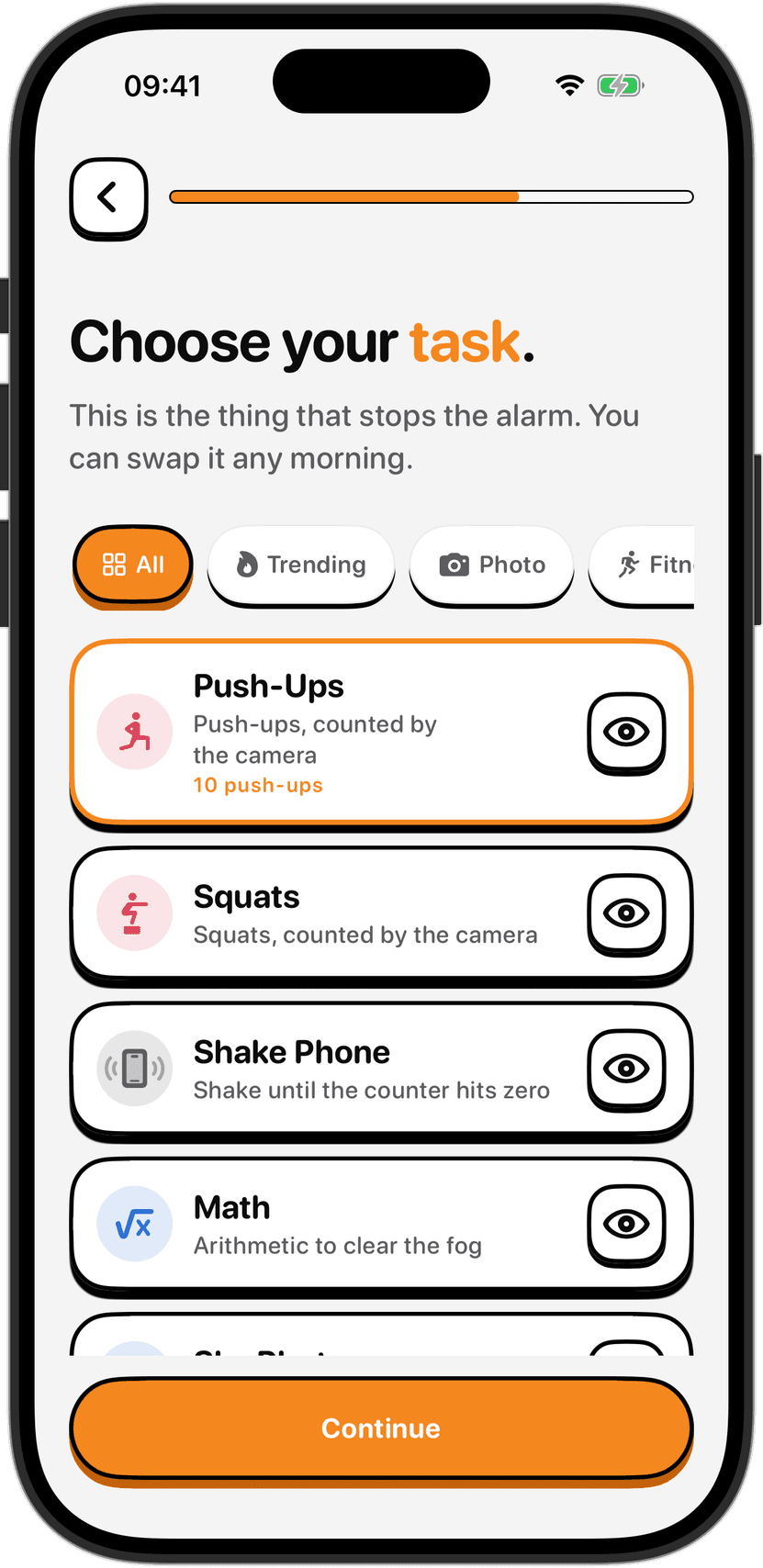
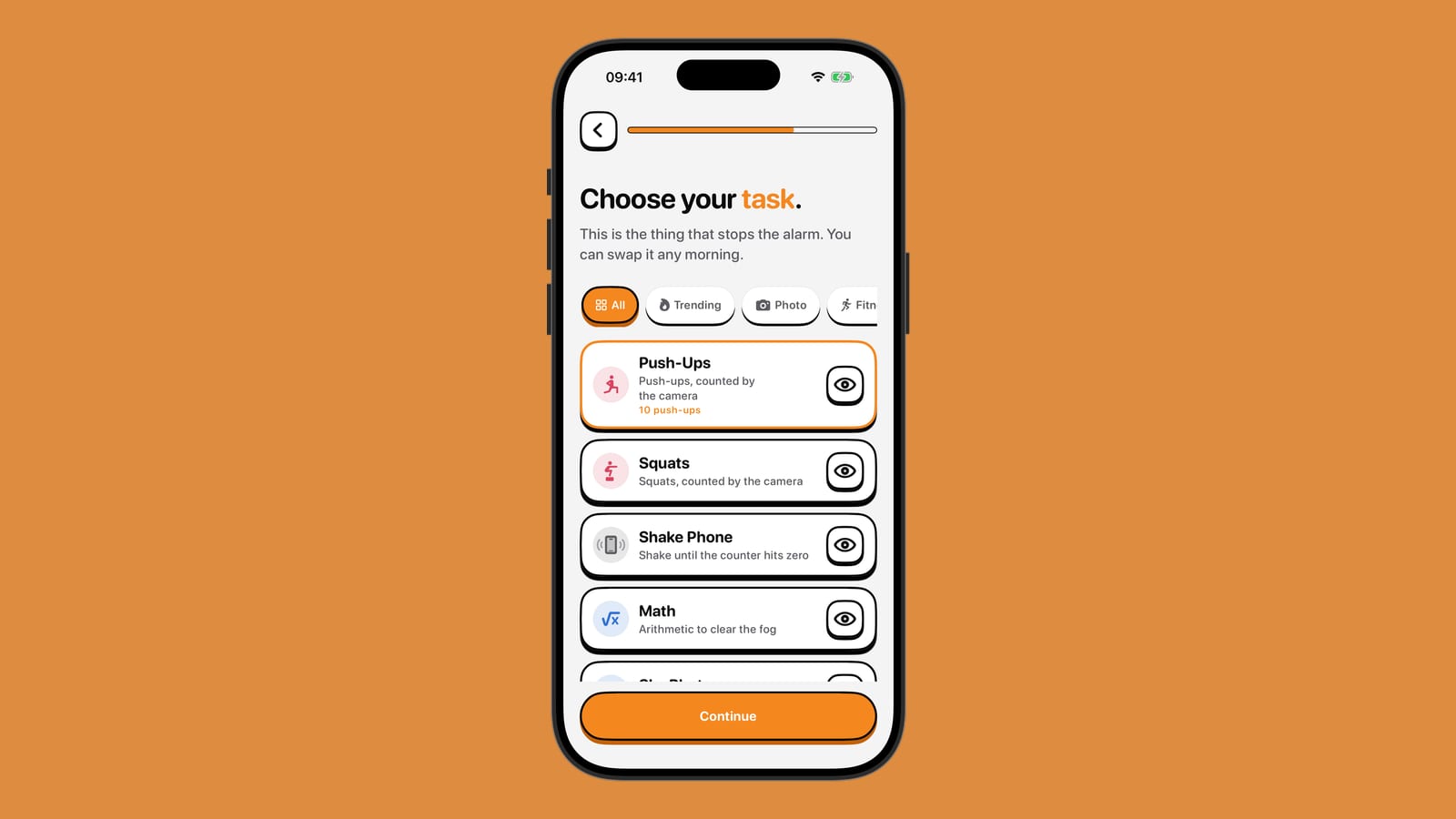
NoNap works from a single list of wake tasks, and it is explicit about the mechanism behind each one. Push-Ups, Squats, Dance and a task called 67 are counted by the phone's camera, on the device, while you do them. Steps and Distance use motion sensors and GPS to confirm you have actually moved. Shake Phone reads the accelerometer. Photo and Object ask you to point the camera at something, a made bed or a specific item you picked beforehand, and on-device detection checks it is in frame. Math is the only task with no physical component at all.
If a physical task is what gets you up, know that mornings are a bad time to test your limits. Sleep inertia dulls coordination and judgement right after waking, so check the space around you before you start, keep clear of stairs and sharp edges, and stop immediately if anything hurts. Set a rep or step target you can finish on your worst morning, not your best one.
What it costs
Alarmy is free to download, and its base alarm, mission types, sleep sounds and sleep tracker work without paying. As of September 2026, its App Store in-app purchase list shows several premium tiers, from about 4.99 to 69.99 dollars depending on the tier and billing period, which unlock features including Power Off Prevention and Anti-Snooze for heavy sleepers. A 7-day free trial is offered on the subscription.
NoNap has no free tier. It is a paid app from the first screen: a weekly, monthly or yearly subscription, or a one-time lifetime purchase, with the exact price for your country shown before you buy. There is no ad-supported version and nothing extra to unlock afterward. You are simply deciding whether the whole thing is worth the price up front.
What each one does with your data
This is where the two listings diverge the most. As of September 2026, Apple's privacy label for Alarmy's App Store page states that the app can collect data used to track you across other apps and websites, listed as precise location, coarse location, device identifiers and advertising data. The same label lists user content collected and linked to your identity for analytics and app functionality, plus additional location, identifier and usage data collected without being linked to your identity, used for third-party advertising and the developer's own marketing.
NoNap's own privacy terms state the opposite design. There is no account and no server that receives your alarms, wake tasks, camera frames or wake-up history. Location is requested only while a Distance task is actively running and is not tracked in the background. What does leave the device is the App Store purchase record, sent to RevenueCat purely to verify that your subscription or lifetime purchase is active, and anonymous usage statistics and crash reports, with no account, no location and nothing you type, which you can switch off in Settings. NoNap runs no advertising SDK of any kind.
Neither approach is wrong on its face. A free app supported by data use is a normal trade, and Alarmy is upfront about it in the label Apple requires. But if keeping everything on your phone matters to you more than not paying anything up front, the two apps land in very different places.
The features that don't overlap
Alarmy folds in a full sleep layer: a snore and sleep tracker, calm sounds like ASMR, rain and white noise for falling asleep, and a bedtime reminder tied to that tracker. None of that is in NoNap. NoNap does not track sleep in any form. It does not read Apple Health data, and it does not record audio or monitor you overnight.
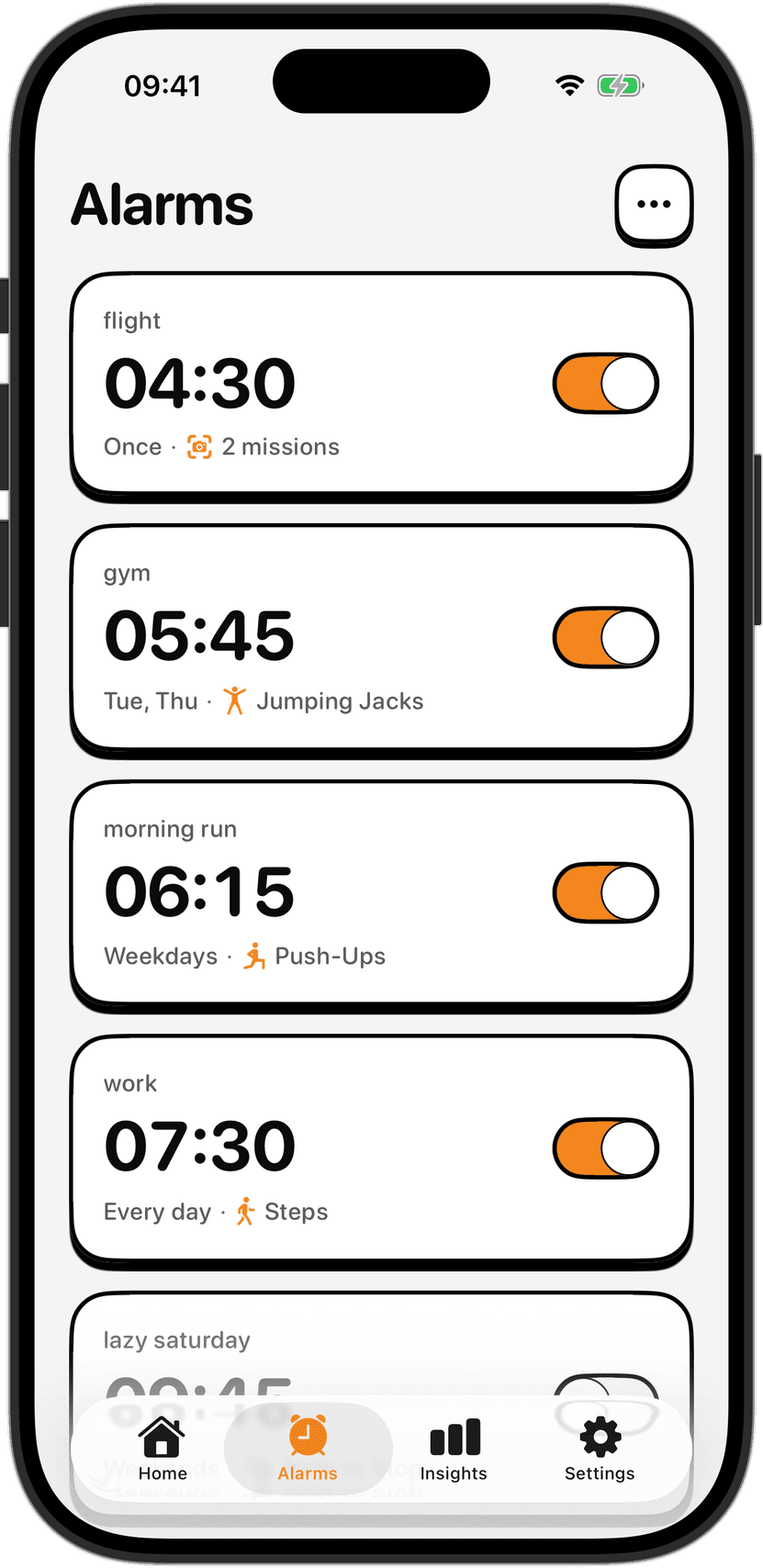
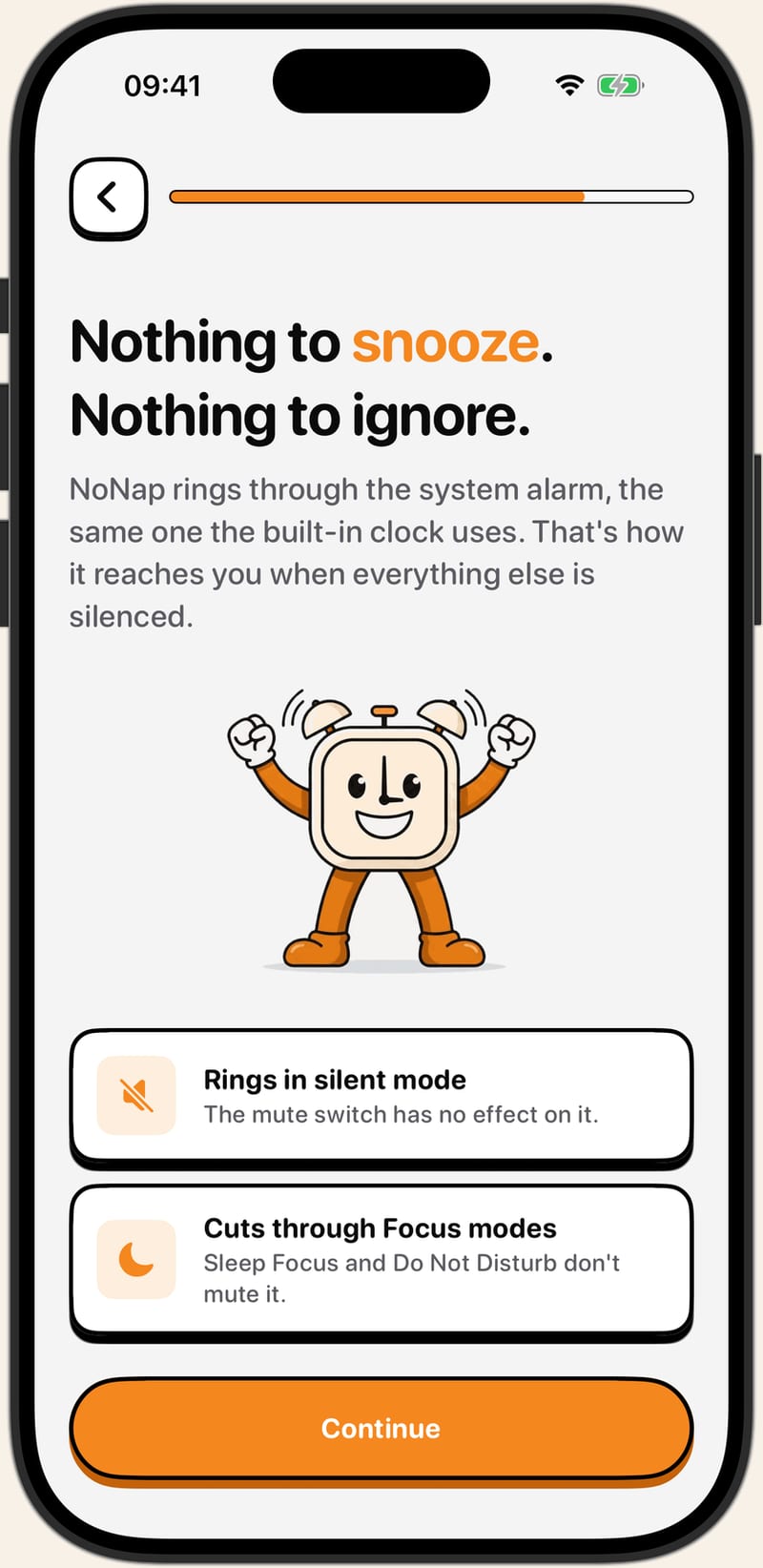
NoNap's own edge is in how hard its alarm is to get around once it rings. It uses the same system alarm the built-in Clock app relies on, which is what lets it come through even when the ringer is off or a Focus mode like Sleep Focus or Do Not Disturb is active. It also cannot be dismissed from the lock screen at all, only the chosen wake task ends it.
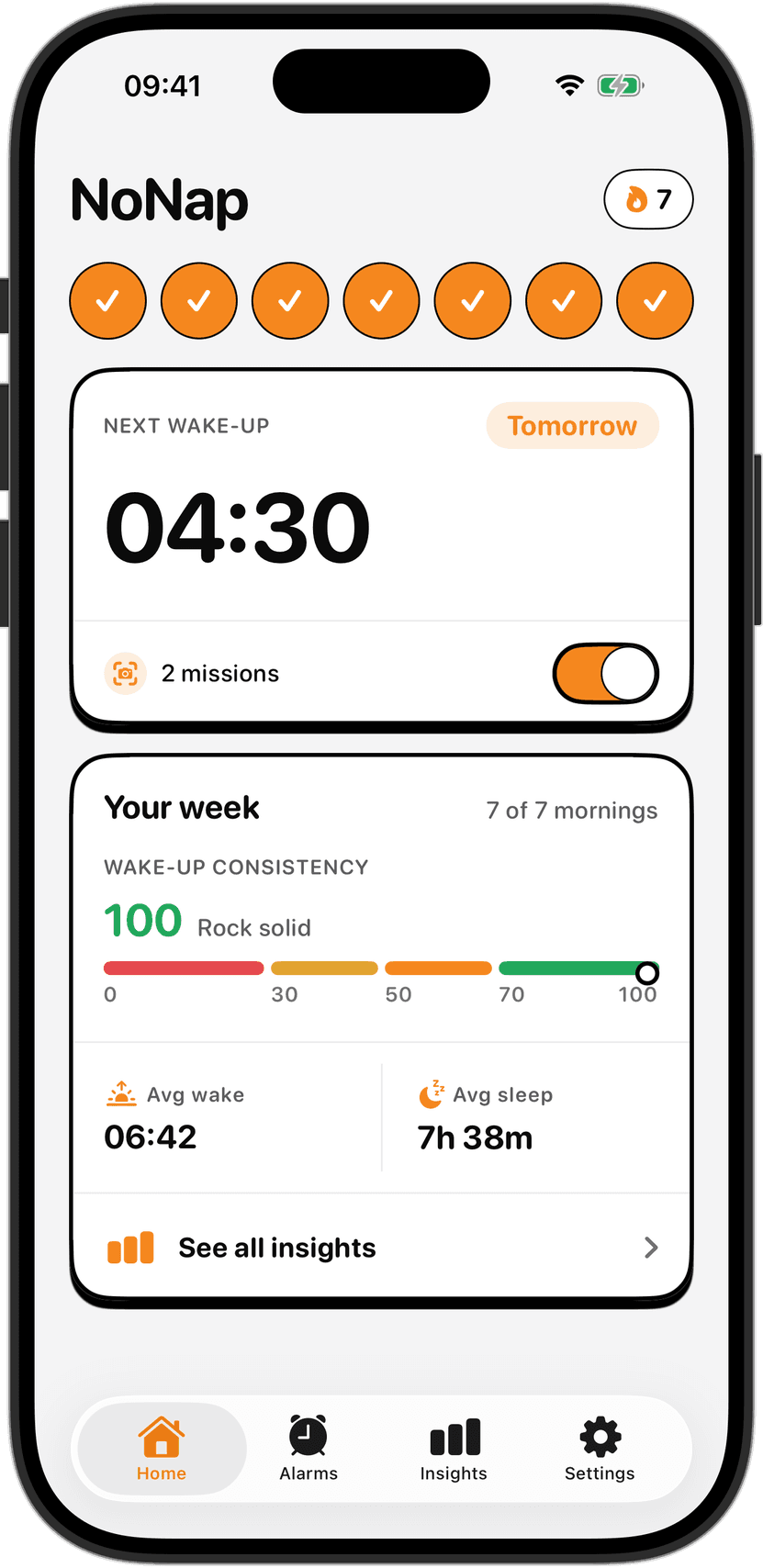
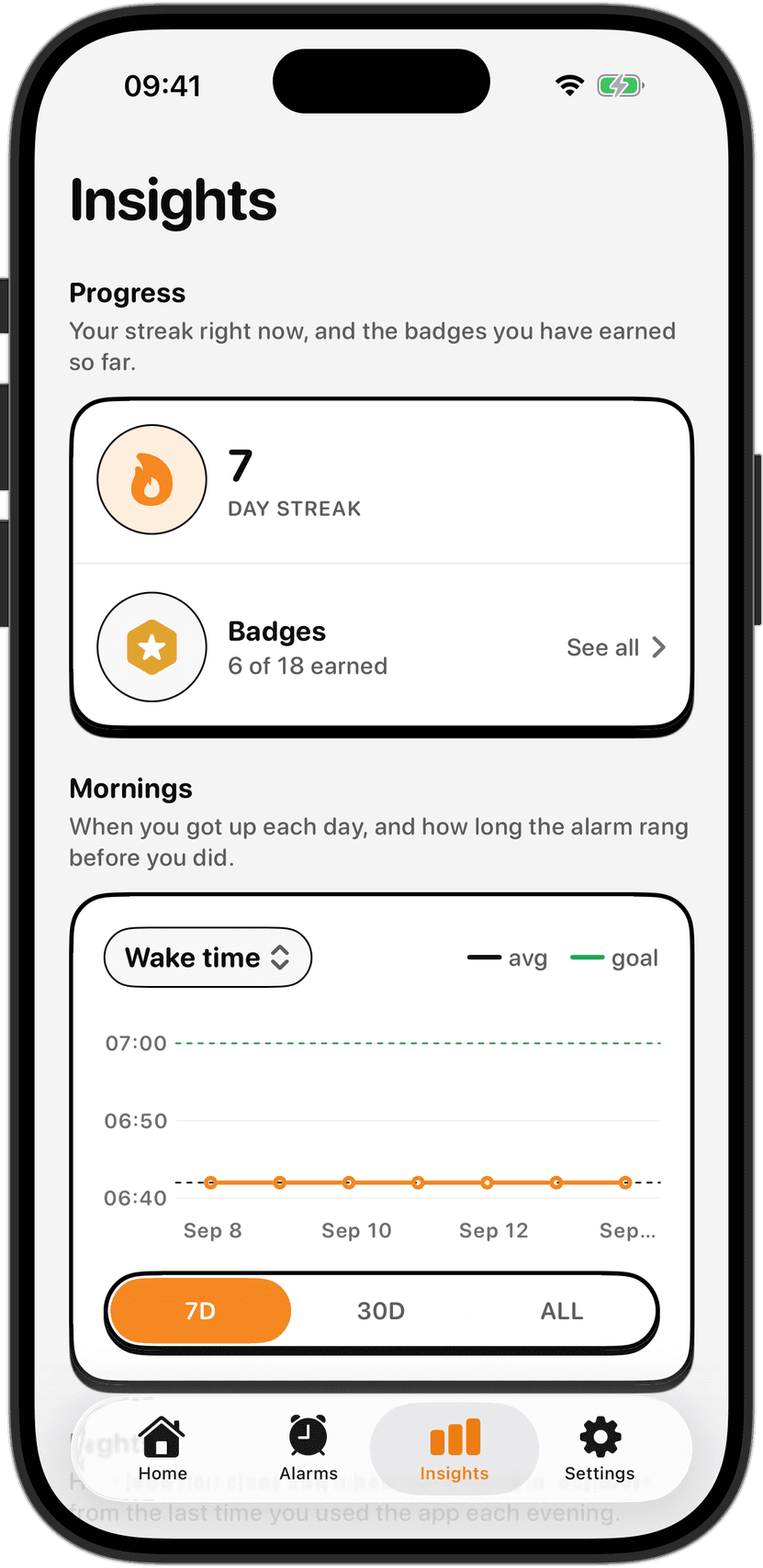
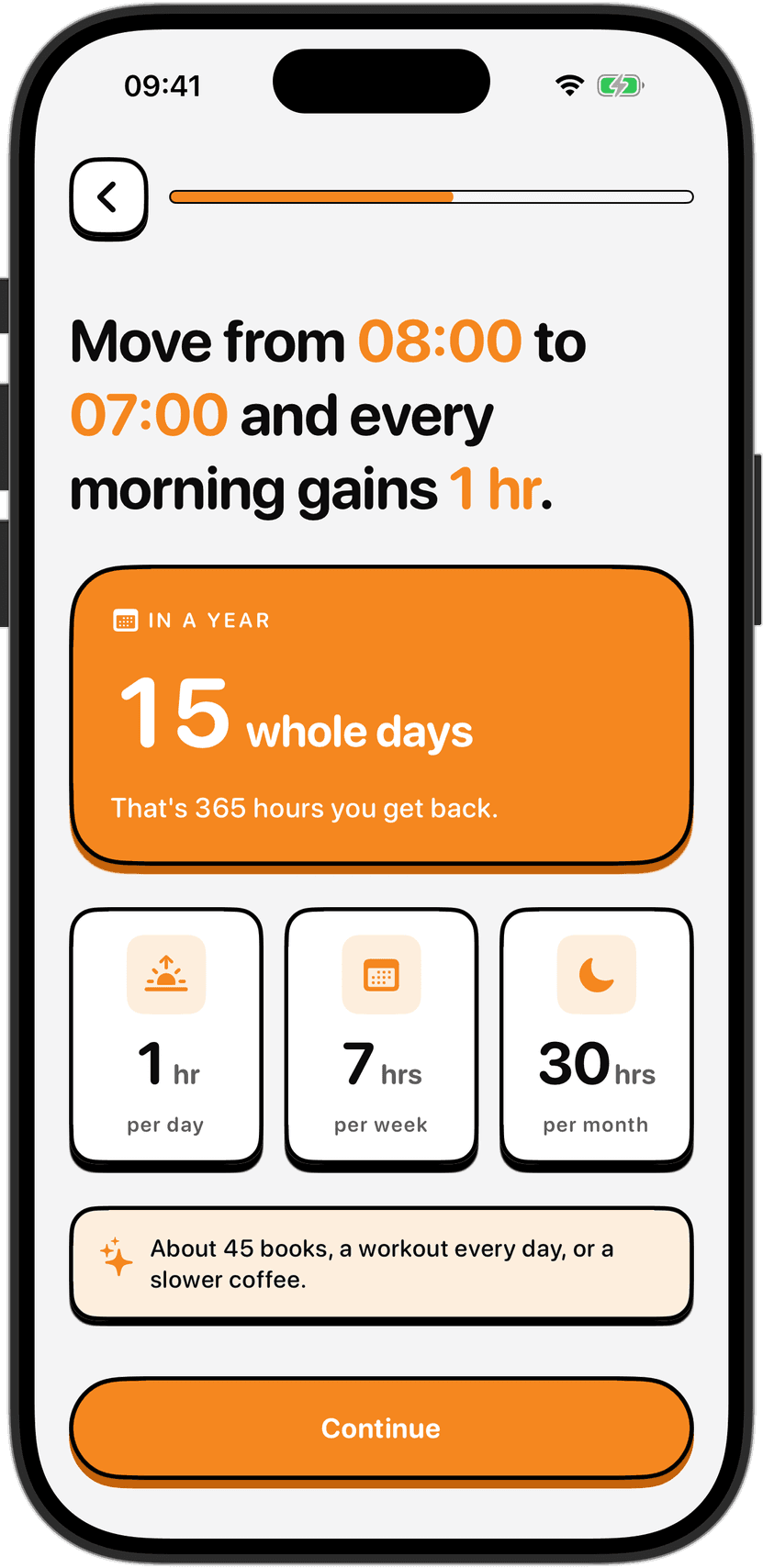
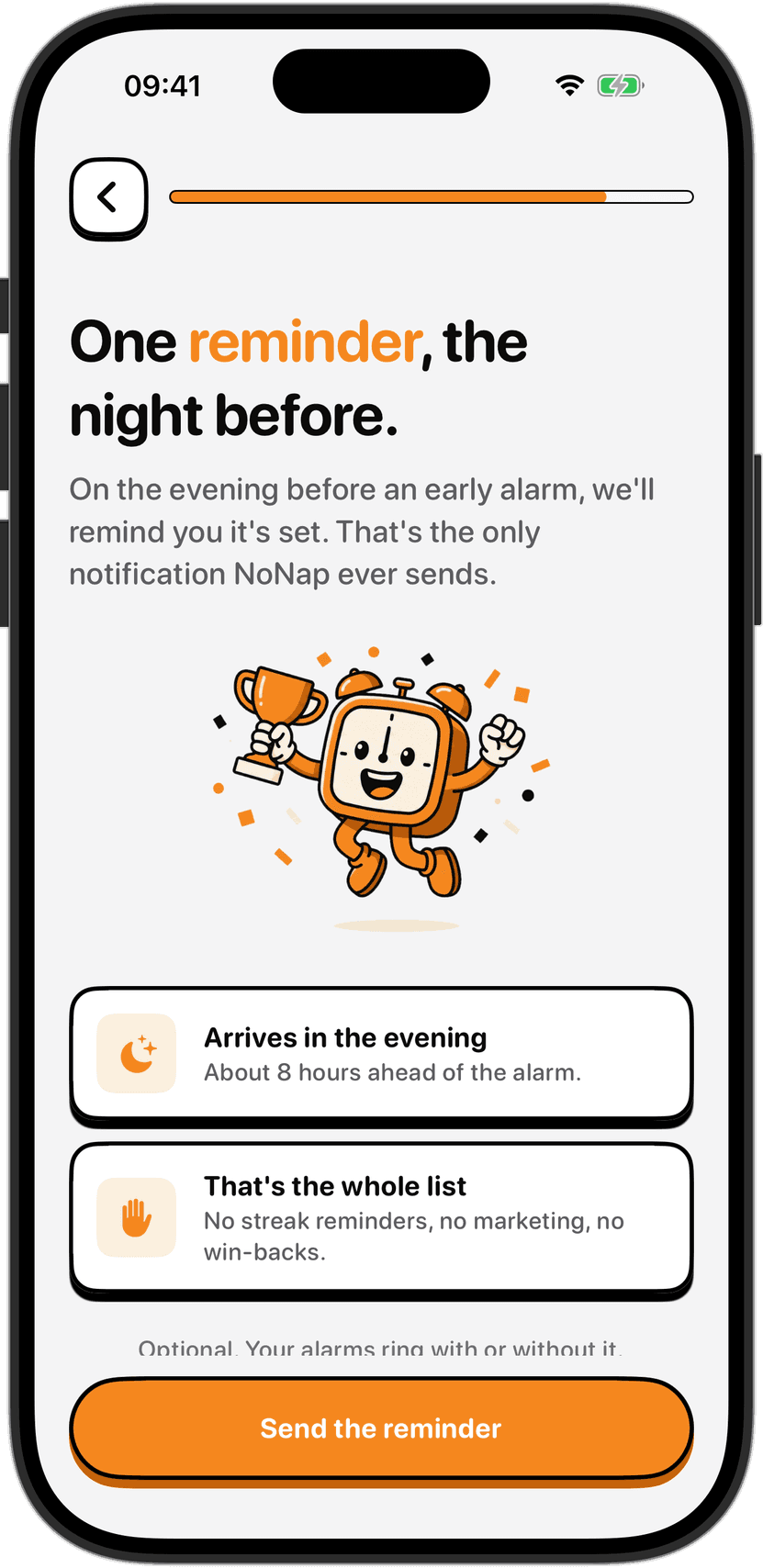
Past that, it tracks streaks and shows a chart of the gap between the alarm time you set and the time you actually finished the task, and it sends a reminder the night before, on the idea that a 6 a.m. wake-up is really decided at 11 p.m.
Which one fits you
If you want one app that also plays sleep sounds and tells you whether you snored, and you would rather not pay anything until you decide you want more, Alarmy's free tier covers a lot of ground before you hit its paywall. If what you actually want is a single wake task you cannot talk yourself out of, verified by your phone's own camera or sensors, with nothing about your night going anywhere, NoNap is built around exactly that one job. Check the FAQ if you're weighing the subscription against a lifetime purchase.
Sources
Alarmy's mission list, free trial terms and in-app purchase pricing are from its own App Store listing, Alarmy - Loud alarm clock (Delight Room Co., Ltd.), apps.apple.com/us/app/alarmy-loud-alarm-clock/id1163786766, fetched September 2026.
The data categories Alarmy may collect are from the App Privacy section of that same listing, which Apple requires developers to self-report, fetched September 2026.
NoNap's wake task mechanisms, pricing structure and data practices are from Visana Studios' own product terms and privacy policy for NoNap, current as of September 2026.