Choose Your Wake Task: Match the Task to Your Body
NoNap's wake tasks range from push-ups to math. Here's how to pick one that works for your fitness, your living space, and your 6 a.m. state of mind.
Visana Studios
6 min read
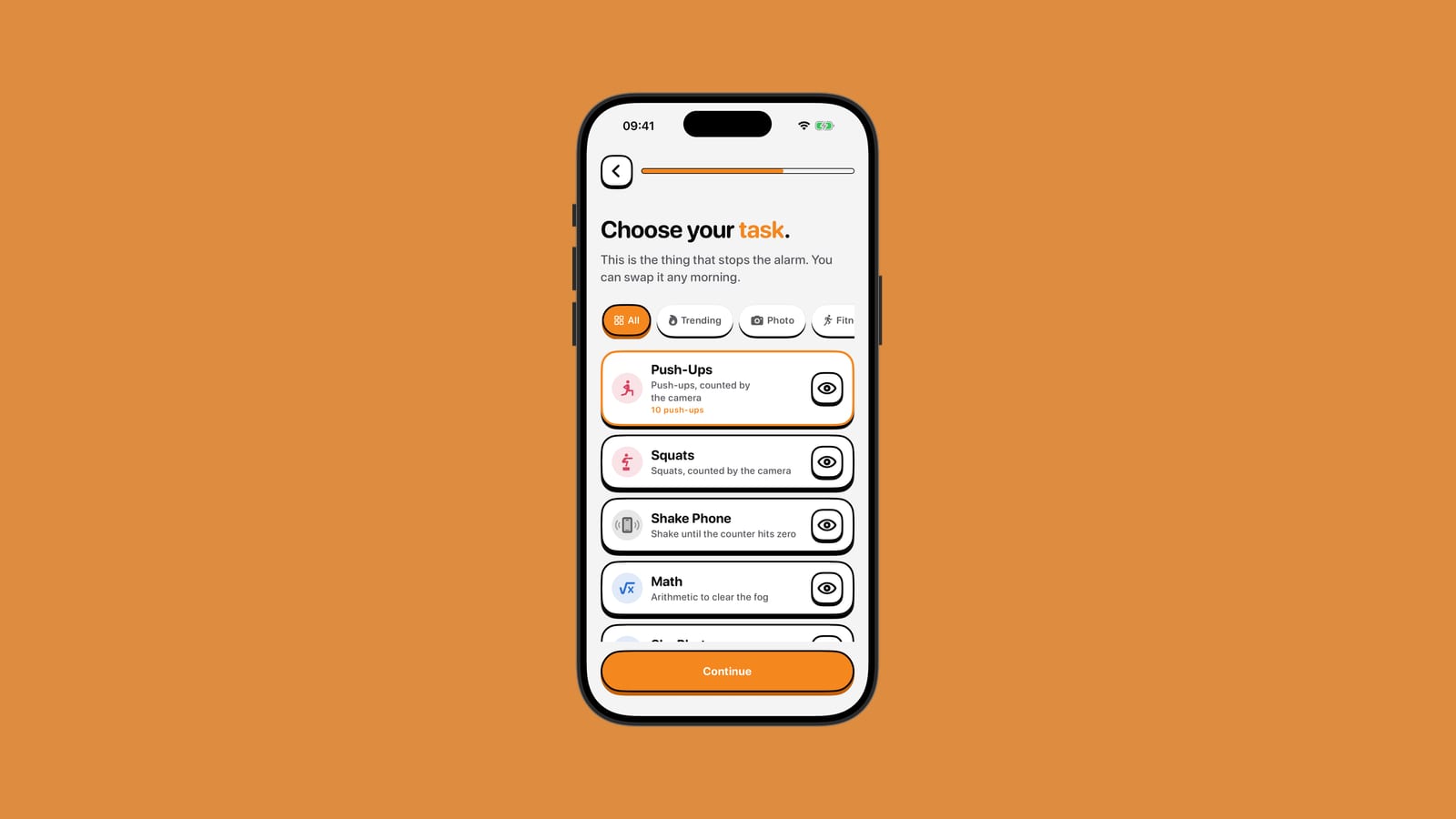
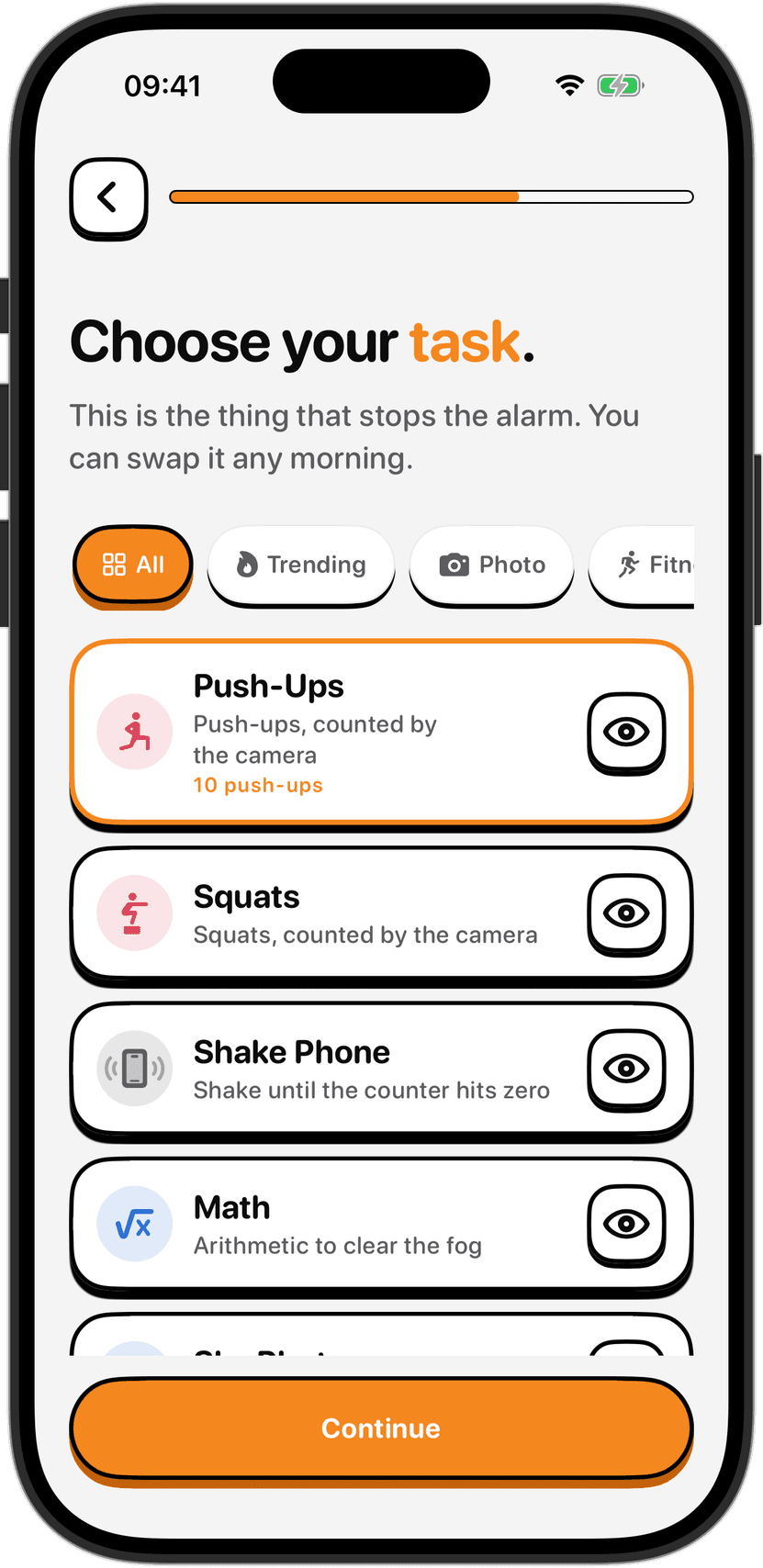
One of NoNap's core decisions is choosing what to do before the alarm stops. That choice matters. The wrong task is miserable. The right one is bracing and done in seconds. There's no universal best task, because bodies, spaces and mornings are all different. The good news is you pick it, and you can change it any morning.
Physical tasks: push-ups, squats, dance, and others
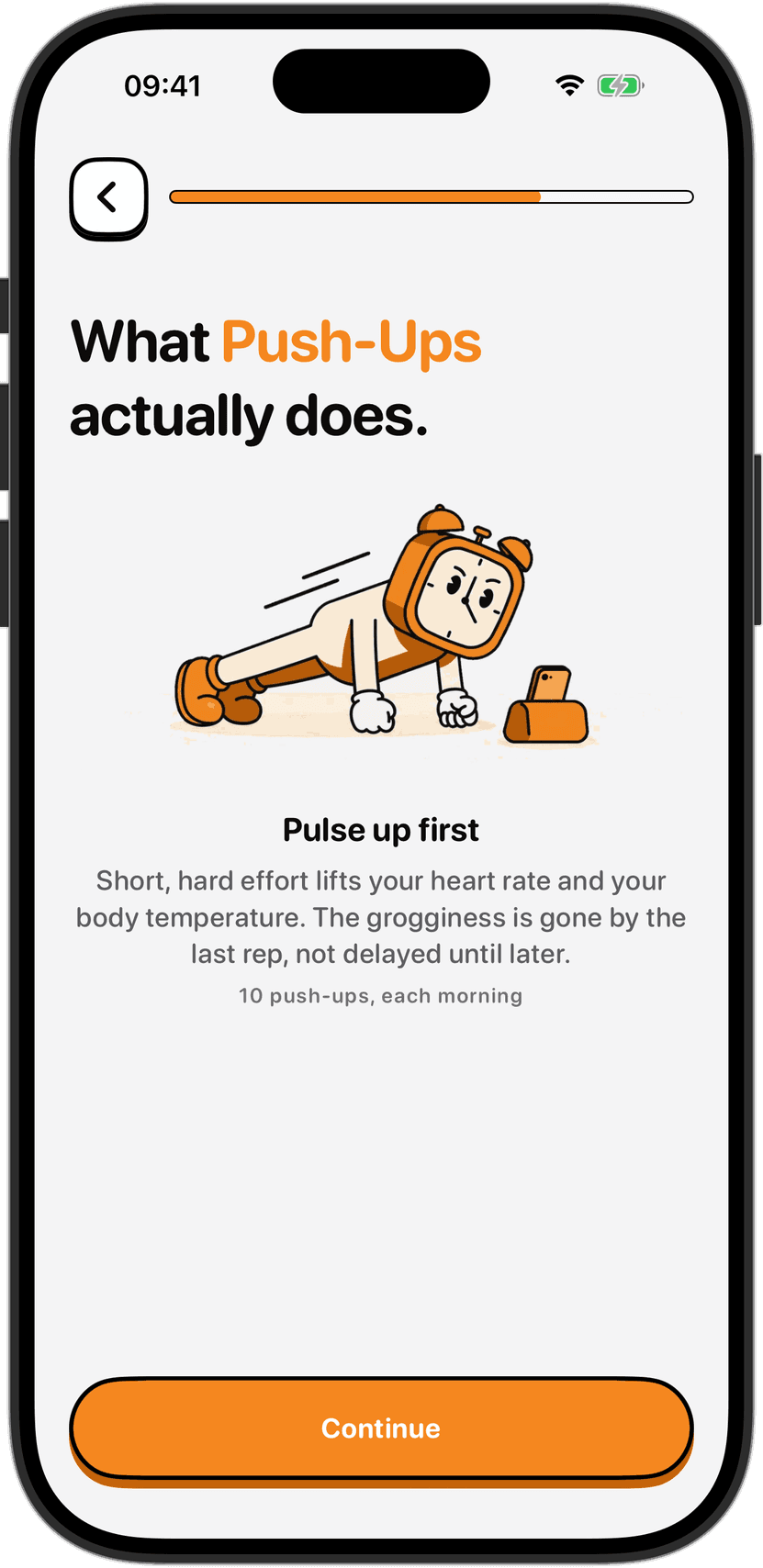
The most direct way to shake sleep inertia is movement. Push-Ups, Squats, and Dance ask you to perform reps, counted by the camera. Sixty-Seven is a blend of movements. These tasks share a pattern: the camera sees your body position in real time, counts the movement, and verifies what happened. You cannot fake them. A half-hearted wiggle does not register as a push-up.
The trade-off is obvious. Your body has to move. First thing in the morning, while you are still waking up, that is a real cost. Sleep inertia impairs balance and coordination. If you choose a physical task, the barrier to entry is fitness. Can you do ten push-ups on a normal morning, when you are alert and warmed up? If not, do not set that as your task for 6 a.m. The task should be hard enough that you stay awake doing it, not so hard that it is dangerous while you are groggy. A realistic target is one you can finish safely even on a bad morning.
Check your surroundings first. Make sure you have clear space around you, away from stairs, furniture, walls and other people. Stop immediately if something hurts. If you feel pain, dizziness or shortness of breath, stop and do not push through to finish the task.
Physical tasks excel at fully waking you up. The effort forces your heart rate up and your body temperature up. By the last repetition, you are awake enough that going back to bed feels pointless. But they also demand the most from your body and your space.
Motion-based tasks: steps and shake phone
Steps and Shake Phone are movement, but they live between the poles. Steps counts your motion using your phone's sensors, and requires you to move around. Shake Phone detects the shaking motion itself. Both register the movement automatically without camera verification.
Steps has a practical advantage: it gets you moving through your space. You walk. That means light exposure (if you can get to a window), a change of scenery, and breaking the physical state of being in bed. Distance goes further, asking you to walk a measured amount using GPS. That can mean leaving your home, but GPS accuracy varies with signal, buildings and weather, so the task may take longer than you expect.
Motion-based tasks are gentler on the body than push-ups or squats. Shake Phone is the gentlest of all. You do not need fitness or space. You just need to shake your phone for a few seconds. The trade-off is that they do not generate the same adrenaline as running, dancing or lifting. You wake up, but the process is slower.
The advantage of Steps and Distance is getting you upright and moving through your space. The advantage of Shake Phone is that almost anyone can do it, anywhere, with no strength or coordination needed.
Object detection: photo and bed
Photo and Object tasks ask you to point the camera at something. You specify what in advance: your made bed, your sink, your coffee pot, the sky outside. The app detects whether it is in frame using on-device object detection and then the alarm stops. You are not counted or graded. The thing just has to be there.
These tasks are useful for people who want movement and the camera verification benefit, but cannot or do not want to perform repetitions. The trick is choosing something realistic. Pick an object you can reach and show the camera within a few steps of where your alarm is. Do not pick something three rooms away or outdoors unless you want the alarm to send you on a hunt.
The design forces you to get up and move, but the task ends when the camera sees what you promised, so it can be faster than exercise. You also get the psychological win of setting a specific goal and proving you did it.
Mental task: math
Math asks you to solve a problem. A random number problem appears on the screen and you type the answer. That is the only task that requires no physical movement at all.
Math is useful when you are injured, ill, or recovering from surgery. It is also useful when you just cannot or do not want to move. But it does not wake you as effectively. You solve a math problem while half-asleep and the alarm stops. You are still in bed, and going back to sleep is a short negotiation away.
The advantage is that it works for any body and any living space. The disadvantage is that it does not interrupt the physical state of sleep. You can finish a math task, put your phone down, and drift off again without the full-body cost of getting up and moving.
What to actually choose
Your first instinct might be to pick the hardest task: push-ups are harder than math, so push-ups are better. That is wrong. The right task is the one you can do half-asleep but cannot do in your sleep. Hard enough to keep you awake, doable enough that you will actually do it.
If you are not sure, start with Shake Phone or Math. Both are low-risk. If you find yourself back in bed before your brain is fully awake, move to something with more movement: Steps, or Photo. If movement is not the problem and you want even more physical engagement, try Push-Ups or Squats.
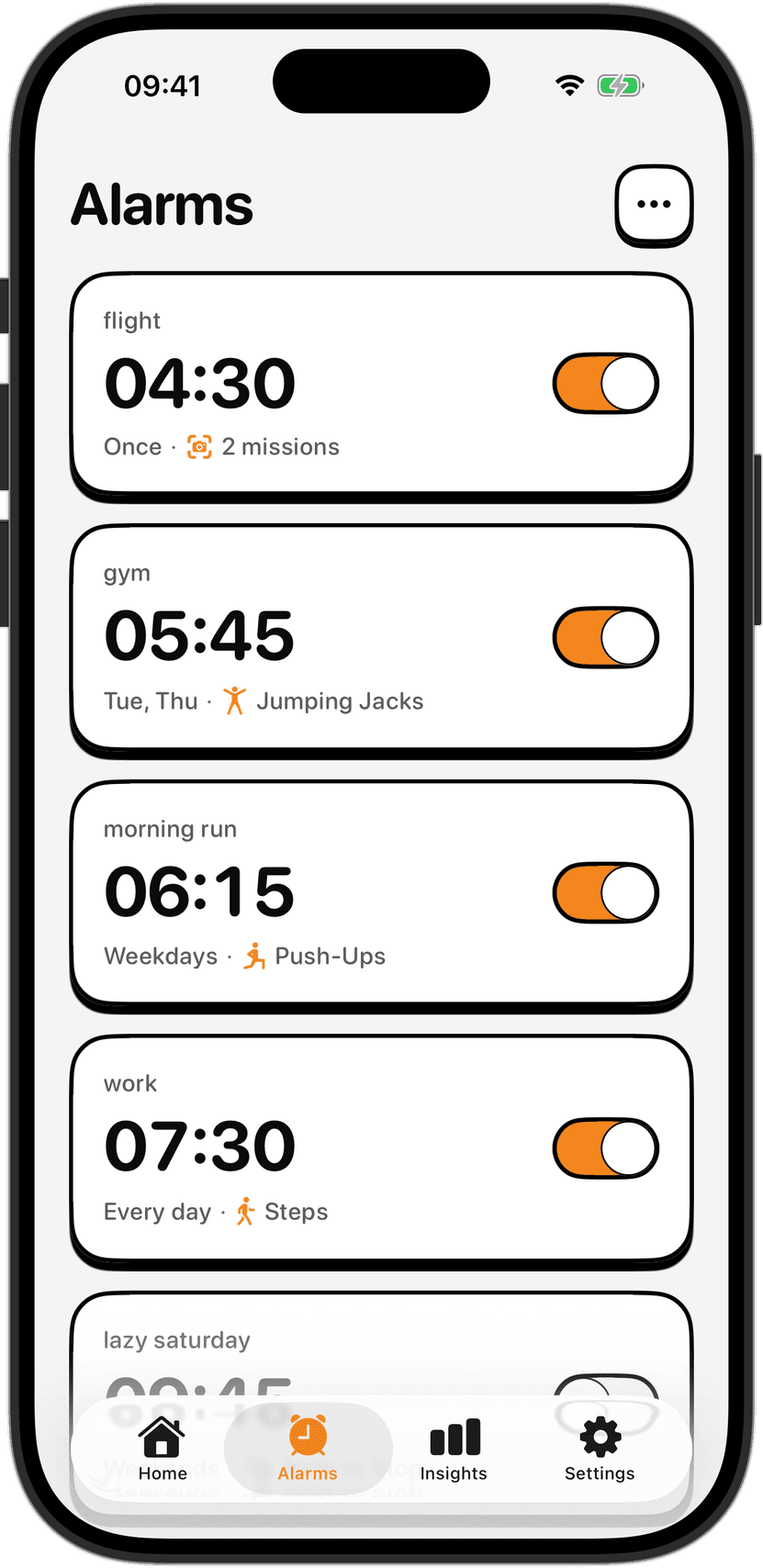
You can change your wake task any morning, in the app's task picker. If you wake up one day and realize the current task is not working, switch. If you keep gaming the same task by figuring out how to half-do it and still register as complete, switch again. The point is the shock of doing something real while you are still groggy. The specific thing matters less than the fact that it is something you chose the night before, when you were alert, and something your drowsy morning self has to actually follow through on.
Special situations
If you are injured, ill, or recovering from surgery, work with your doctor on what movements are safe. Consult a physician before starting any exercise routine, especially if you have a heart condition, high or low blood pressure, a joint or back problem, a previous injury, a disability, dizziness or balance issues, or if you are pregnant or recovering from surgery or illness.
If you do a Distance task and walk outdoors, watch for traffic, roads, cyclists, kerbs and uneven ground. Never perform a wake task while driving, cycling or operating anything. Follow the law and take responsibility for choosing a safe place and time to complete the task.
The real choice
None of these tasks is the best in the abstract. The best task is the one you chose when you were thinking clearly, one you can defend to a groggy future version of yourself for doing it, and one that actually does the job of getting you out of bed and into the day. If it stops working, switch. That flexibility is what makes the whole system work.
Sources
Apple Inc. "NoNap Help Center." Accessed September 2026.
Visana Studios. "NoNap Terms of Service: Physical activity, wake-task verification and safety." https://nonap.app/terms. Accessed September 2026.