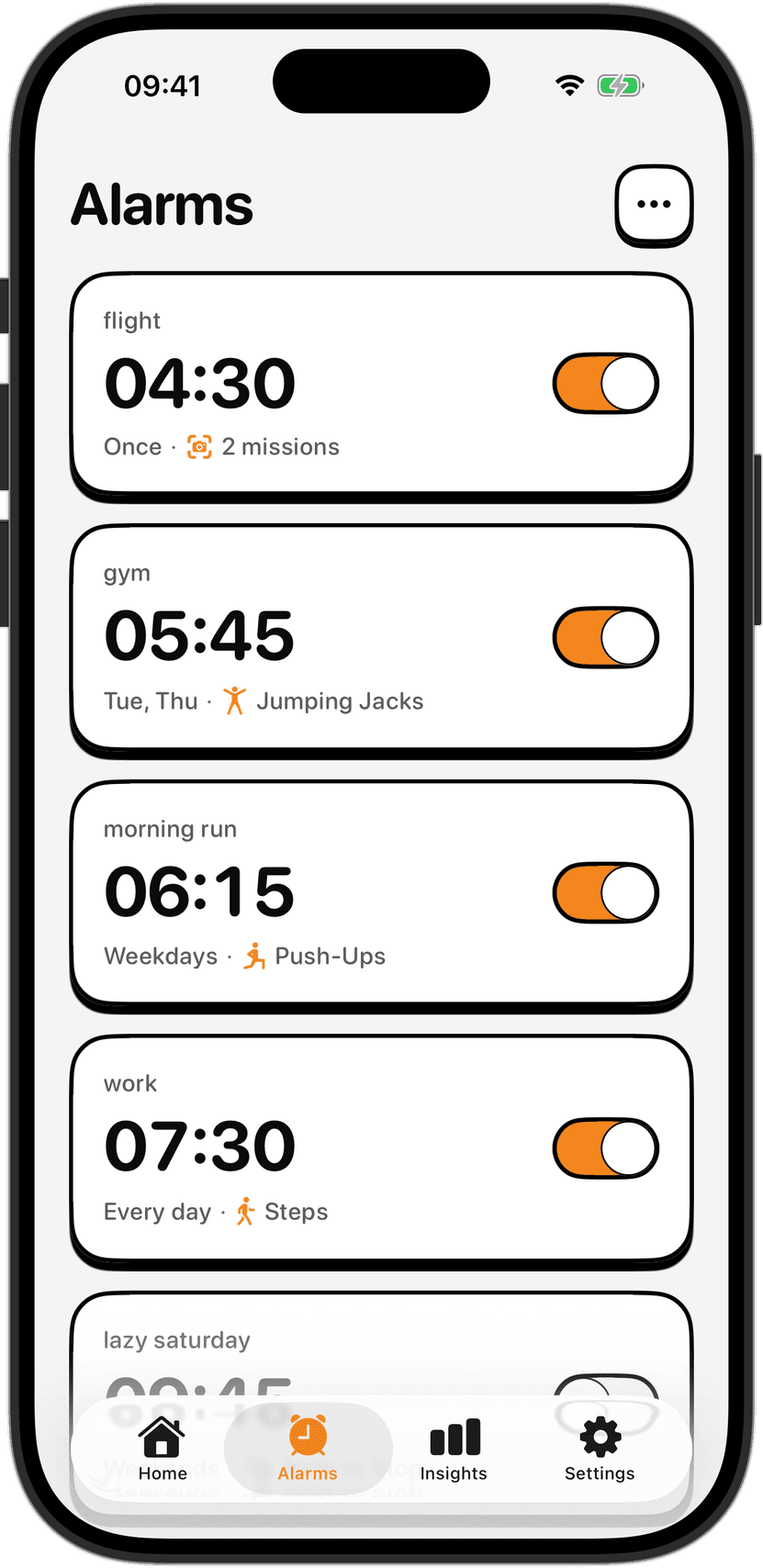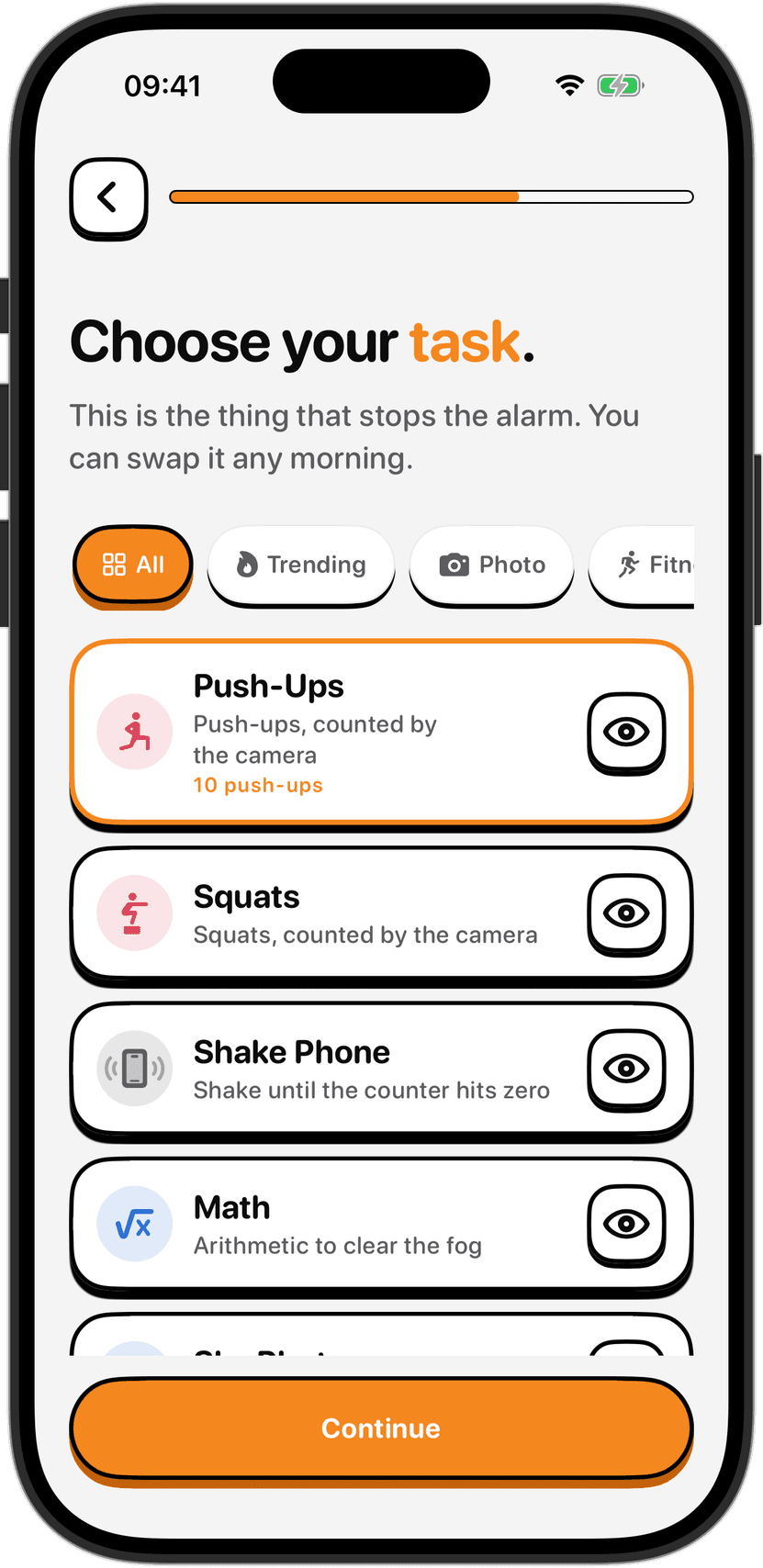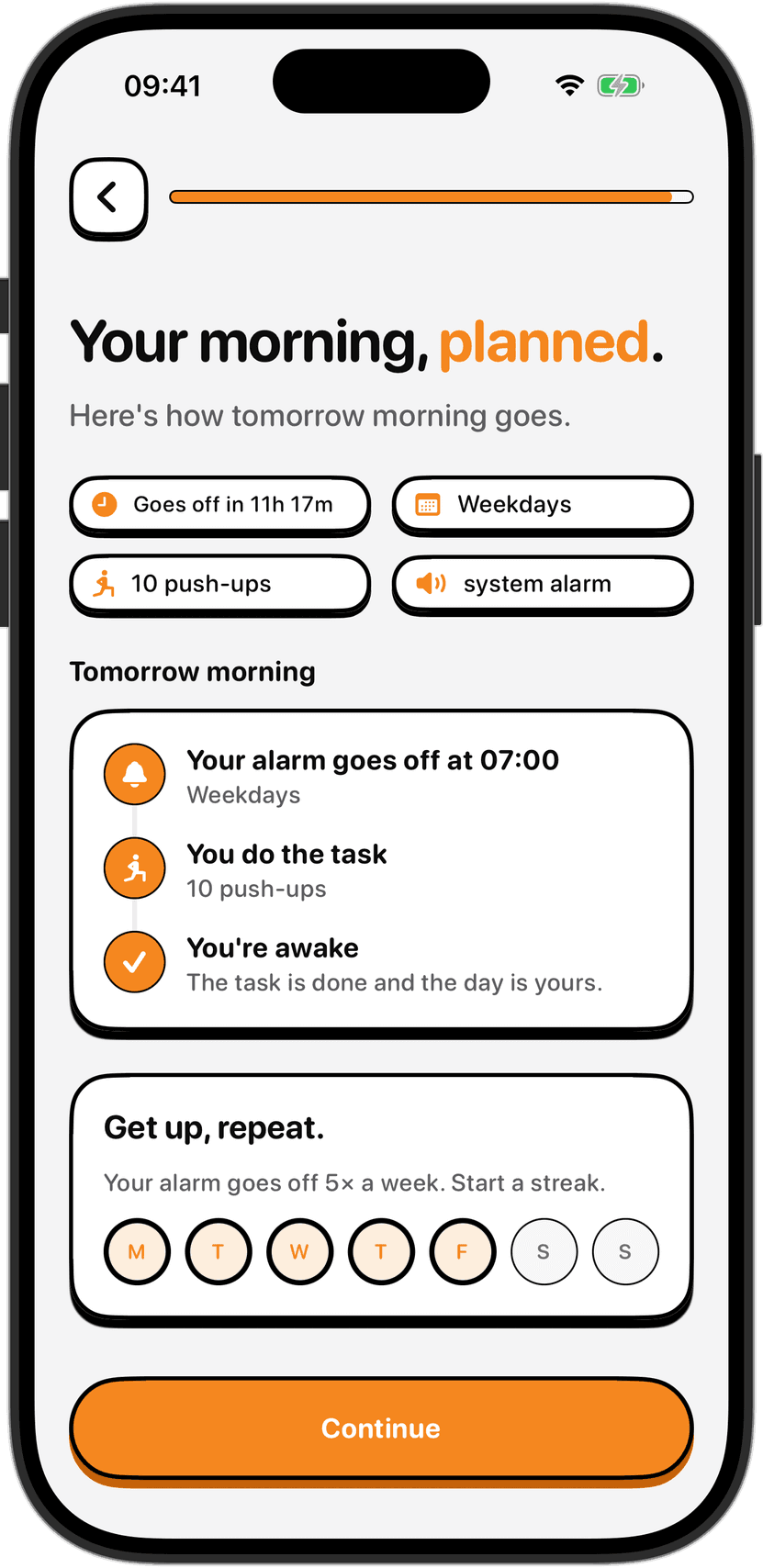
How camera-verified push-ups work: what NoNap counts, why nothing is recorded
The camera recognizes body position in real time to count push-ups. Here's how pose detection works on your device, what gets counted, and why nothing is saved.
Visana Studios
7 min read
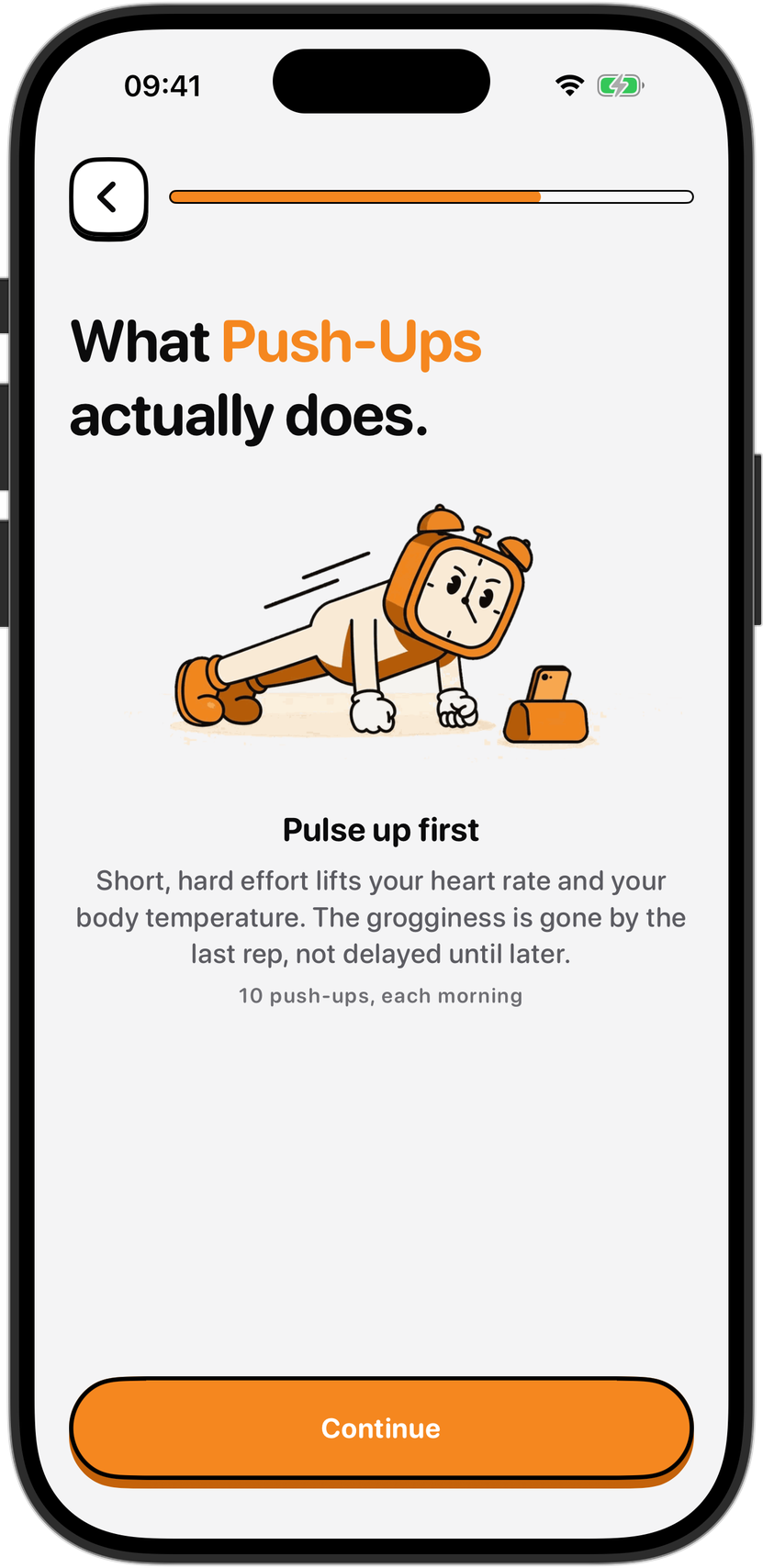
Your phone is watching you drop to the ground at 6:47 a.m., and it counts every rep you do before you're fully awake. It never blinks. It doesn't get distracted. And when you're done, it forgets everything it saw.
The technology doing this counting is pose estimation, a type of machine learning that runs entirely on your device. It is not facial recognition. It is not recording. It is not sending anything to a server. The camera feed comes in, the movement is detected and counted, and then the frame is discarded.
How your phone recognizes your body position
Pose estimation starts by identifying key points on your body. When you open NoNap's push-ups task, the on-device machine learning model finds your shoulders, elbows, wrists, hips, knees and ankles in real time. It does not need a clear view of your whole body. Partial frames work if the right joints are visible. The model outputs the position of each of these points as coordinates in the frame, 30 or more times a second.
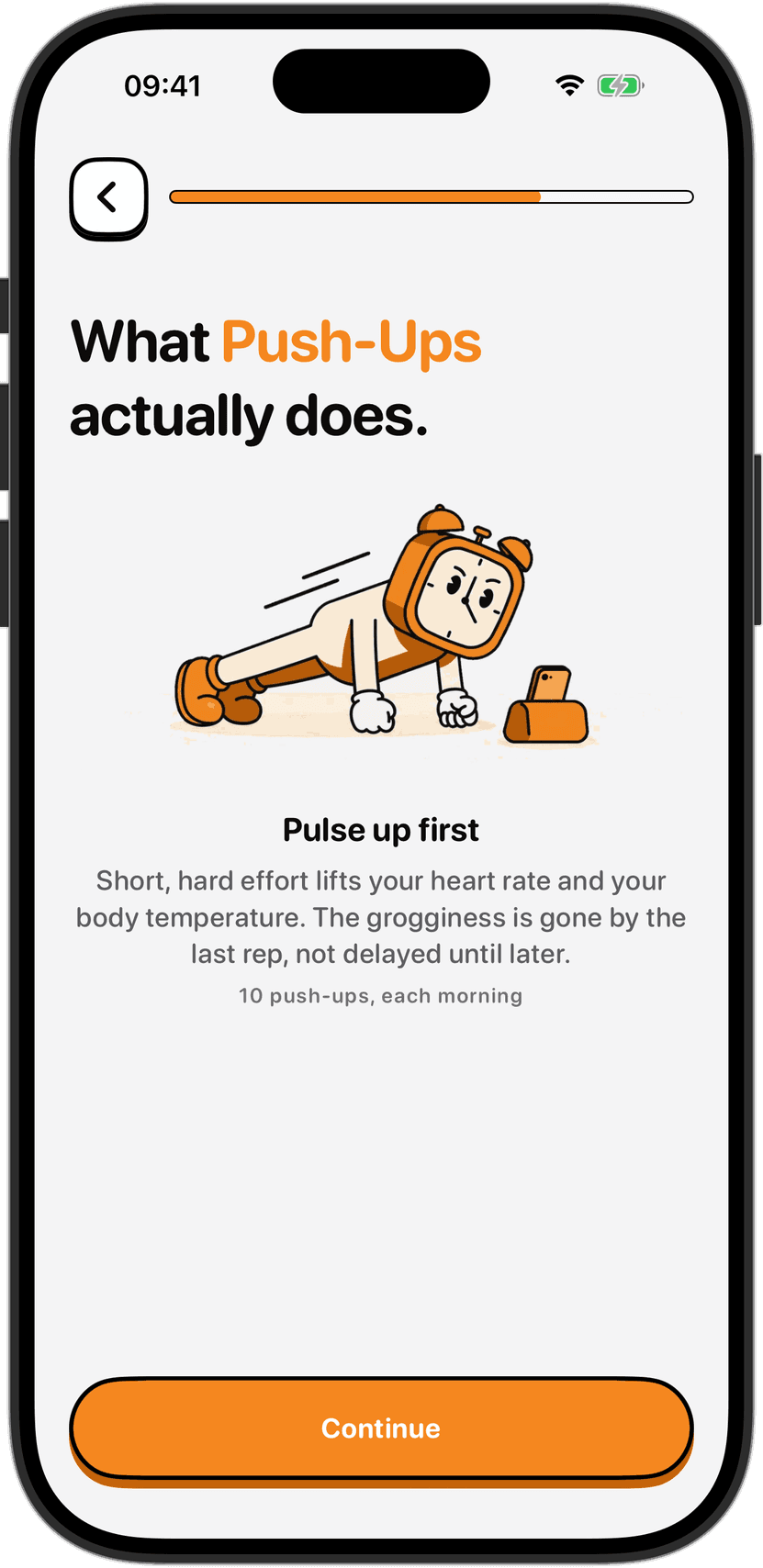
Once the model has your body position, counting becomes geometry. A push-up is a movement where your elbows bend, your body drops toward the ground, and then you push back up. The model watches the distance between your shoulder and elbow joints frame by frame. When that distance increases (you are pushing up) after it decreased (you went down), that is one rep. The app keeps a running counter.
This happens live on your device's neural engine, the specialized chip in your phone designed for machine learning. No images leave the device. No frames are sent anywhere. The model processes what it sees, decides whether you are in a push-up position or not, and then the camera frame is gone.
What the counter actually counts
The counter counts movement, not form. If your elbows bend and straighten, the app sees a rep. It does not check whether your back is straight, whether your chest touched the ground, whether you went low enough, or whether your form would pass a fitness trainer's inspection. Those things matter for the exercise itself, but they do not matter to the alarm going off. The task is to prove you are awake and moving, not to complete a perfect workout.
This is actually a design feature. At 6 a.m., after three seconds of sleep, your form will be terrible. Your body will wobble. You will do push-ups that a fitness instructor would not count. But you will have woken up. That is the whole point. The app is lenient because it assumes you are groggy and uncoordinated the moment an alarm rings.
What this means in practice: if you wobble down and up in a way that moves your elbows, that counts. If you do a half rep, a sloppy rep, a one-armed rep against a wall, or a rep while half-turned, these all count as long as the elbow joint moves the way an elbow moves in a push-up.
The accuracy depends on lighting, camera angle, and how much of your body is in frame. Poor lighting, a camera pointed at the floor instead of your body, or clothing that hides your joints can confuse detection. If a task is not being recognized, switching to a different task (shake phone, math, squats) solves it without fighting the camera.
Nothing is recorded, nothing is saved
The moment the phone detects you have finished your reps, the task is complete and the alarm stops. What happens next: every frame the camera captured during the task is discarded. The only thing that stays is a number: the fact that you did the task, how many seconds it took, and what time you finished. No images. No video. No trace of what you looked like or what your room looked like or who else was in the frame.
This is not a design choice that NoNap brags about and then breaks quietly. It is hardwired into how the app works. Camera input goes to the on-device model, the model outputs a decision, and the frame is not written to storage, not sent to a server, and not added to a library. If someone asked us to recover a frame from a push-ups task, we could not. The data does not exist.
The Terms of Service spell this out in section 6: no video or photo is recorded, the feed is analysed live and discarded frame by frame, nothing is uploaded. It is also how the app describes itself to iOS, in the App Privacy label on the App Store. The label says the app asks for camera permission and uses it for the wake task, without collecting or recording any data about you.
Why on-device, why not the cloud
Sending the video to a server to be analysed would be more accurate. A more powerful computer could understand form better, spot mistakes, and count more reliably. But it would also mean that your camera feed, even if never stored, would travel to a server operated by someone else. Even if encrypted, even if deleted immediately after analysis, it would leave your device.
The on-device approach trades some accuracy for privacy. The model on your phone is smaller because it has to fit in the App and run on battery. It is less sophisticated than a server-side system. It makes more mistakes. But it also means your data never leaves your device. You are not sending your morning state, your bedroom, your clothes, your face, your living situation to anyone. You just get a number: your rep count.
The app also works offline. If your internet drops, the push-ups task keeps counting. If you are in a basement or outdoors with no signal, the camera verification does not fail. That is a direct result of running everything on your phone.
When switching tasks makes sense
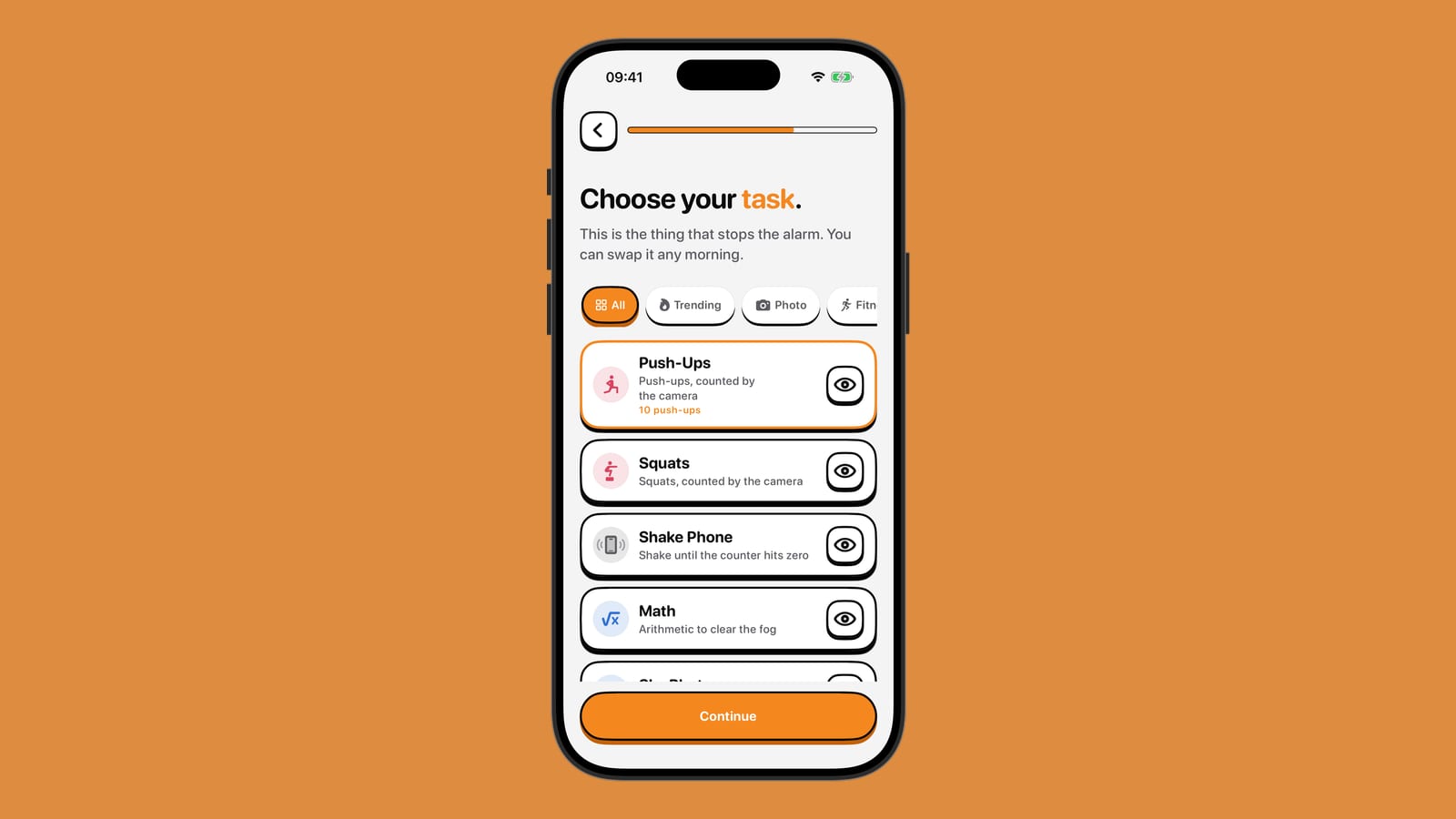
The camera-based tasks (push-ups, squats, dance, the 67 which is a partner exercise) all use the same approach. Lighting matters. Angle matters. If you are backlit, or the phone is on a shelf pointing sideways, detection gets confused. If the model is wrong, the app shows you right away: the counter jumps in unexpected ways, or does not advance even though you are moving.
When that happens, switching to a different task in the morning is faster than fighting the camera. Math requires no camera. Shake Phone uses motion sensors instead. Steps uses your device's pedometer. These do not depend on lighting or angle. They are all hardened by the same principle: the task must work reliably the moment an alarm rings, when you are barely conscious.
The aim is one alarm, one wake-up, done. If the first task does not work, you switch. You do not set yourself up to fail by picking a task that will confuse the camera in your specific room. The app lets you change the task any morning, and most people who use the camera tasks stick with them. They work for people in most lighting conditions, in most rooms, after a full night of sleep. But the option is there.
Why this matters
Every alarm app that asks for camera permission uses the camera for something. Some use it to solve puzzles. Some use it to force you out of bed and into the room. NoNap uses it to count a movement. What they all have in common is they ask the question: do you have camera permission, and are you willing to use it to prove you are awake.
The answer that matters is whether the camera sees your data. With pose estimation on the device, the answer is no. Your phone sees the positions of your joints. It counts a rep. Then it forgets. The only thing that leaves your device is a rep count, a timestamp, and the fact that you completed the task. Your stream of consciousness at 6 a.m., your surroundings, your appearance, these are yours alone.
Sources
Apple Developer. "Machine Learning on Apple Devices." https://developer.apple.com/machine-learning/. Accessed September 2026. Information on on-device ML capabilities and neural engine processing.
Apple Developer. "Core ML." https://developer.apple.com/coreml/. Accessed September 2026. Framework for integrating ML models into iOS apps.
Cao, Z., Hidalgo, G., Simon, T., Wei, S. E., & Sheikh, Y. (2018). "OpenPose: Realtime Multi-Person 2D Pose Estimation using Part Affinity Fields." IEEE Transactions on Pattern Analysis and Machine Intelligence, 43(1), 172-186. https://doi.org/10.1109/TPAMI.2019.2929257. Foundational work on pose estimation, demonstrating joint detection for human body tracking.
NoNap Privacy Policy. "Section 6: Camera, motion and GPS." https://nonap.app/privacy. Describes camera-verified task processing on-device and what is not recorded.
NoNap Terms of Service. "Section 6: Wake tasks and how they are verified." https://nonap.app/terms. Details the camera-verified movement tasks and how frames are handled.