Why alarms ring through silent mode and Focus on iPhone
The ringer switch, Do Not Disturb and Focus modes all leave the alarm alone. Here is what iOS actually does differently, straight from Apple's own docs.
Visana Studios
5 min read
Flip the switch on the side of an iPhone to silent, turn on Sleep Focus, walk away for the night, and the alarm still goes off in the morning. That is not a bug slipping past Apple's testing. It is the one sound on the phone that was built to ignore every mute setting you have.
Apple says so directly. Its own support article on setting and changing alarms states that "Do Not Disturb, the Ring/Silent switch, and Silent mode don't affect the alarm sound," and adds that if you flip the switch or turn on Do Not Disturb, "the alarm still sounds." No footnote, no exception list. An alarm is one of the only sounds on an iPhone that the mute controls were never wired to touch.
Why the ringer switch was never in charge of it
Most of what an iPhone makes noise about runs through one shared volume and mute path. A text arrives, a game pings, an app wants your attention: all of it obeys the Ring/Silent switch and whatever Focus you have running. Alarms sit outside that path entirely. iOS treats a scheduled alarm as its own category of alert, separate from notifications and ringtones, and that category was never subject to the mute switch in the first place.
This is also why an alarm cannot be tuned down by accident the way a notification sound can. Turn on a Focus for deep work or for sleep, and the system asks which apps and people are still allowed through. Alarms are not part of that negotiation. They ring regardless of what you picked, because Apple decided a clock that a Focus mode could silence would defeat the point of having a clock.
The part that used to only apply to Apple's own Clock app
For years this reliability was a one-app privilege. Third-party alarm and wake-up apps had to fake it with local notifications, and a notification is exactly the kind of sound a Focus mode is allowed to block. An app not on your Focus allow list could schedule an alarm-shaped notification for 6 a.m. and still lose to Sleep Focus, silently, with nothing on screen to warn you it had failed.
That changed with AlarmKit, a framework Apple introduced for developers at WWDC in June 2025 and shipped with iOS and iPadOS 26. In the session introducing it, Apple's own engineers describe what happens when a scheduled alert fires through the new API: "the alert breaks through the silent mode and the current focus." Before AlarmKit, outside reporting on the change noted that third-party alerts "could be silenced with Focuses," could fail outright if the phone restarted, and had no access to the Lock Screen the way the Clock app's alarms did. AlarmKit closed that gap, giving other developers the same standing Apple's own alarm has always had, including a full-screen presence on the Lock Screen and the Dynamic Island.
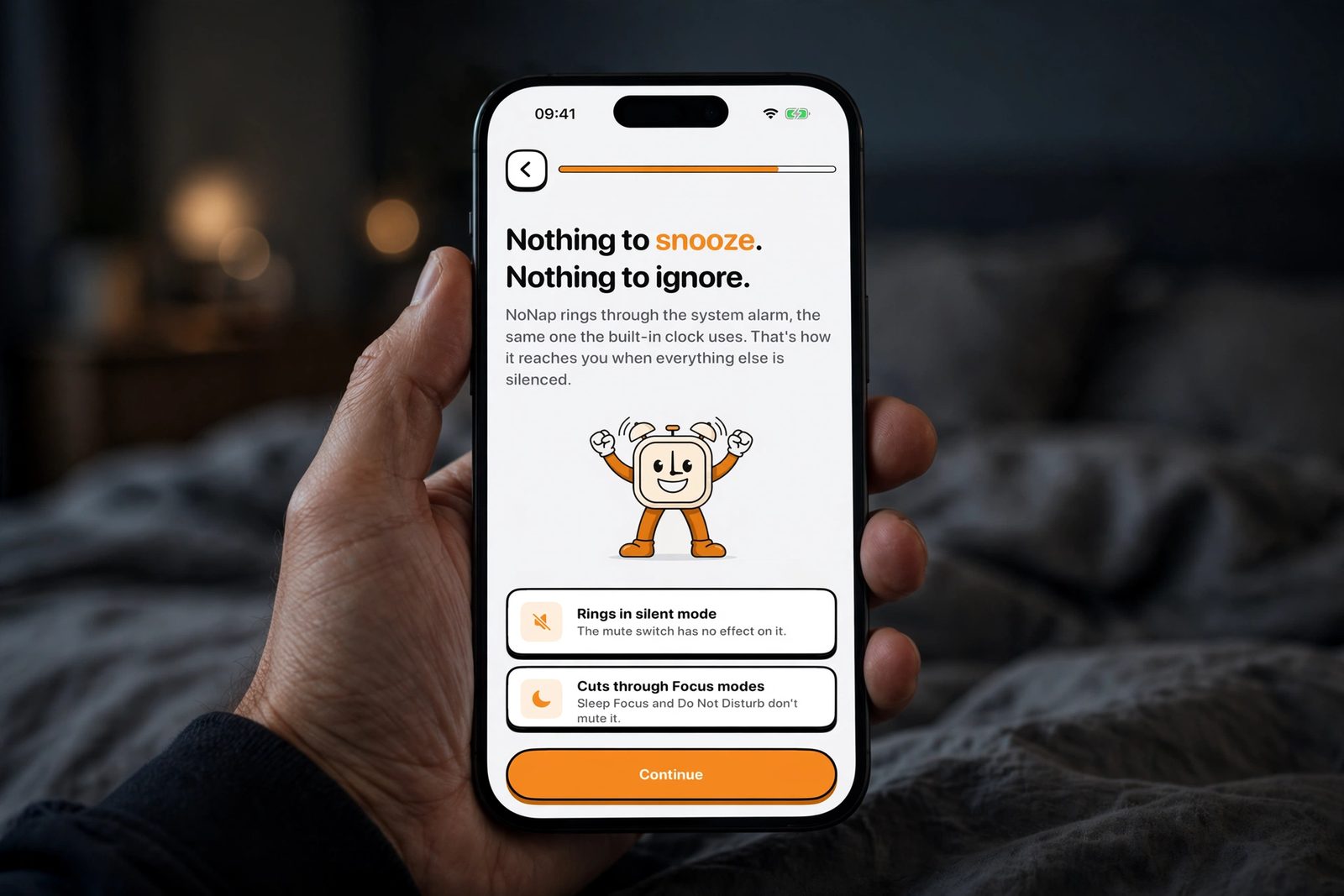
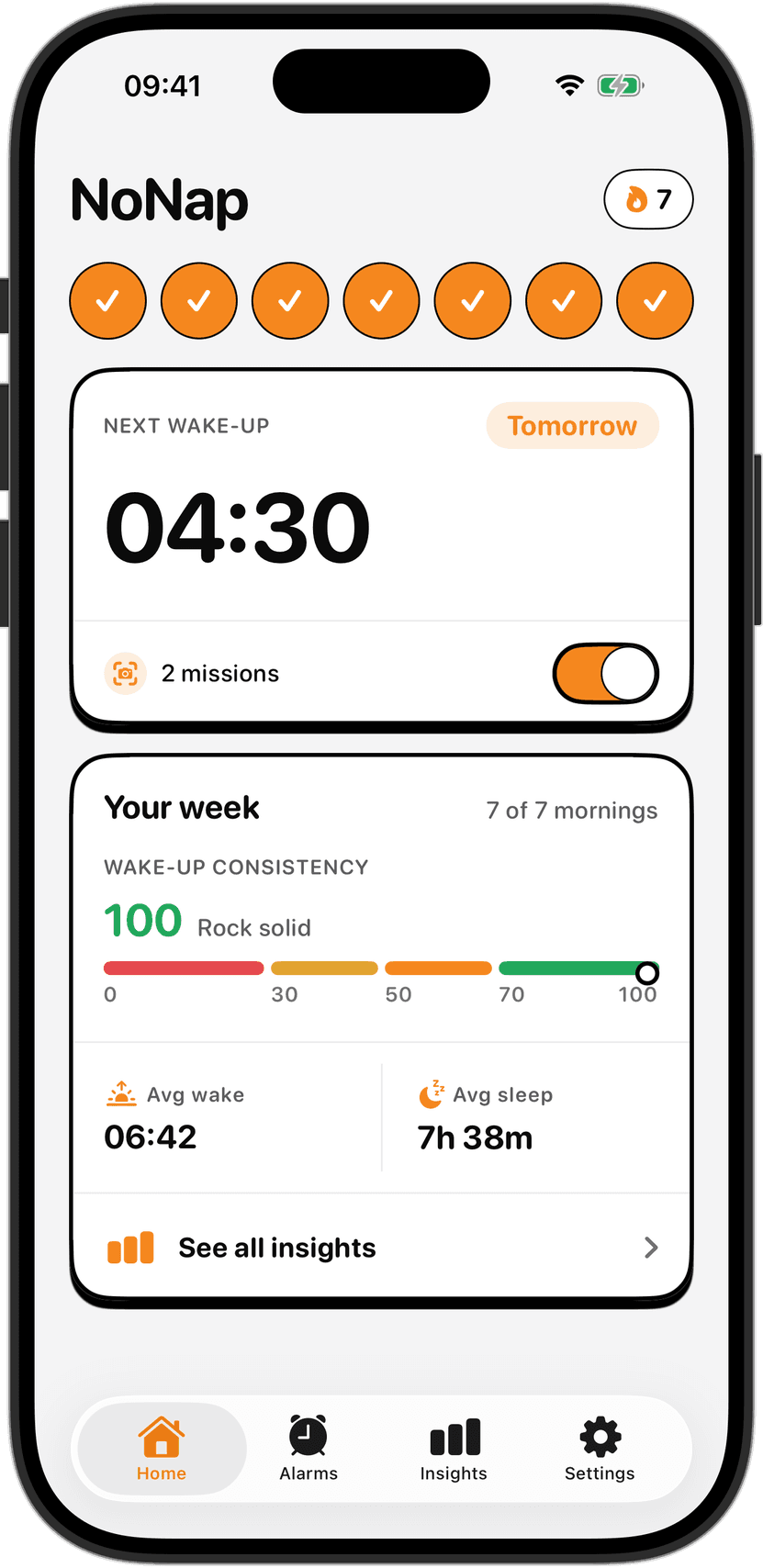
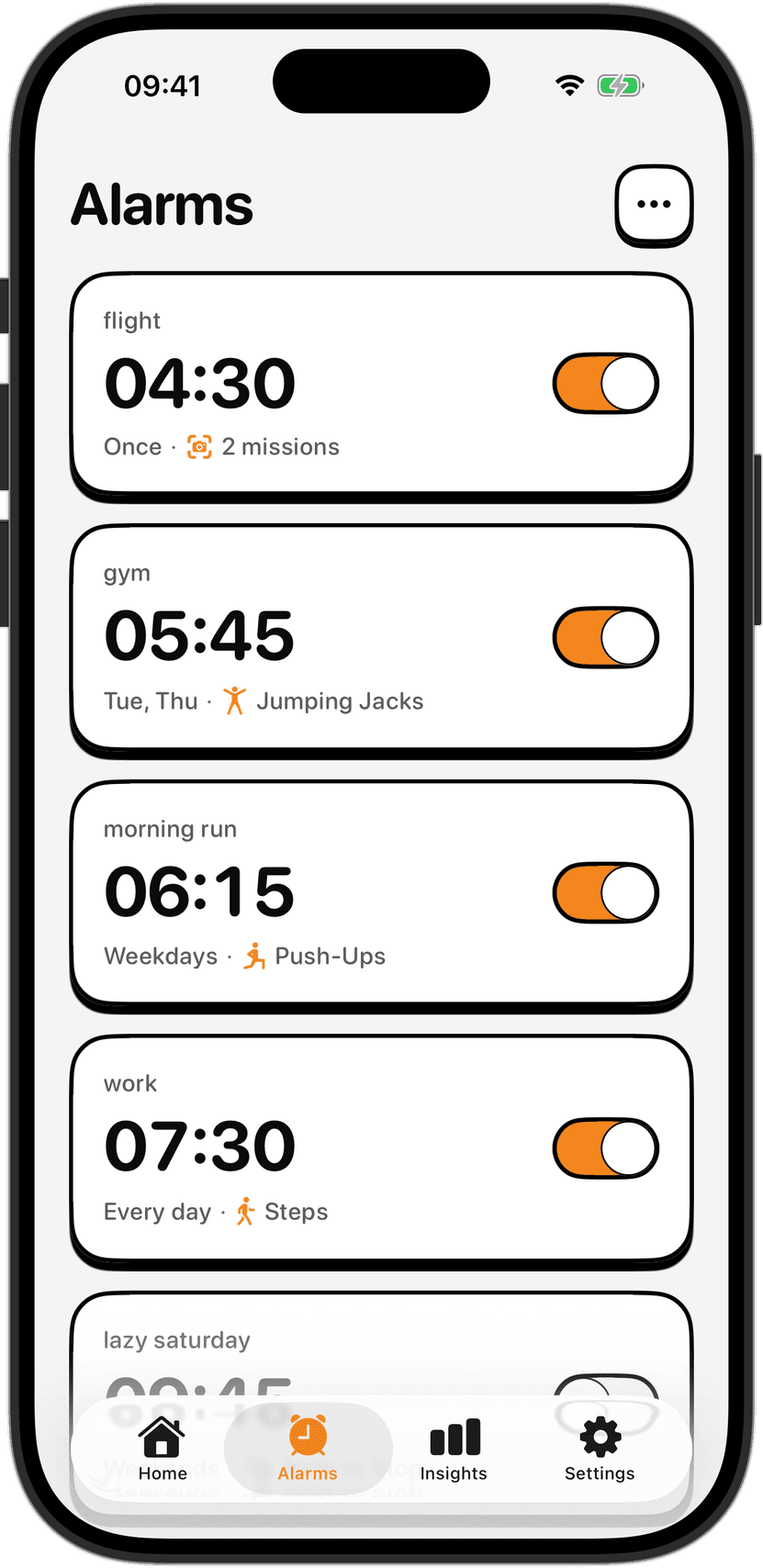
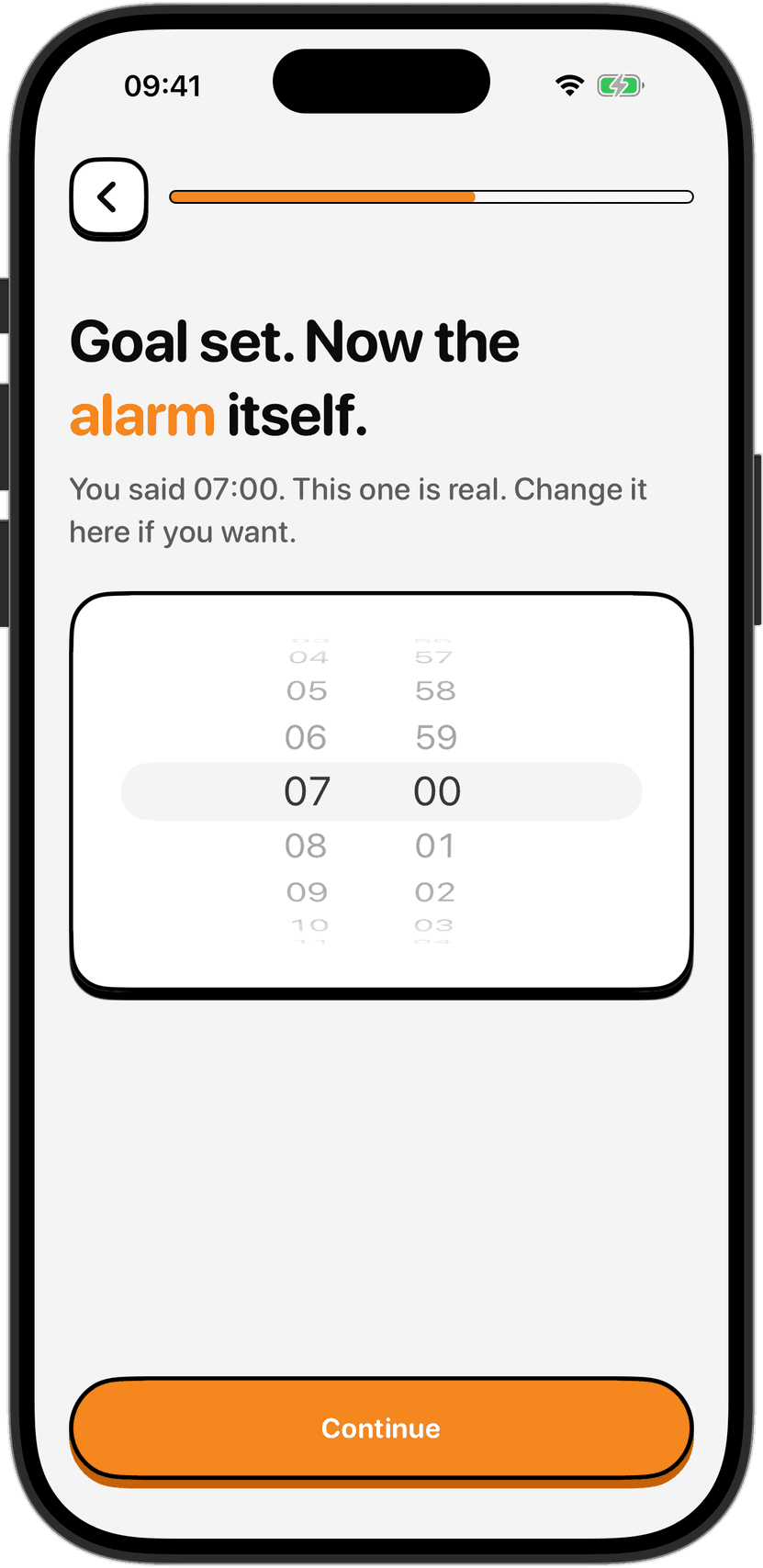
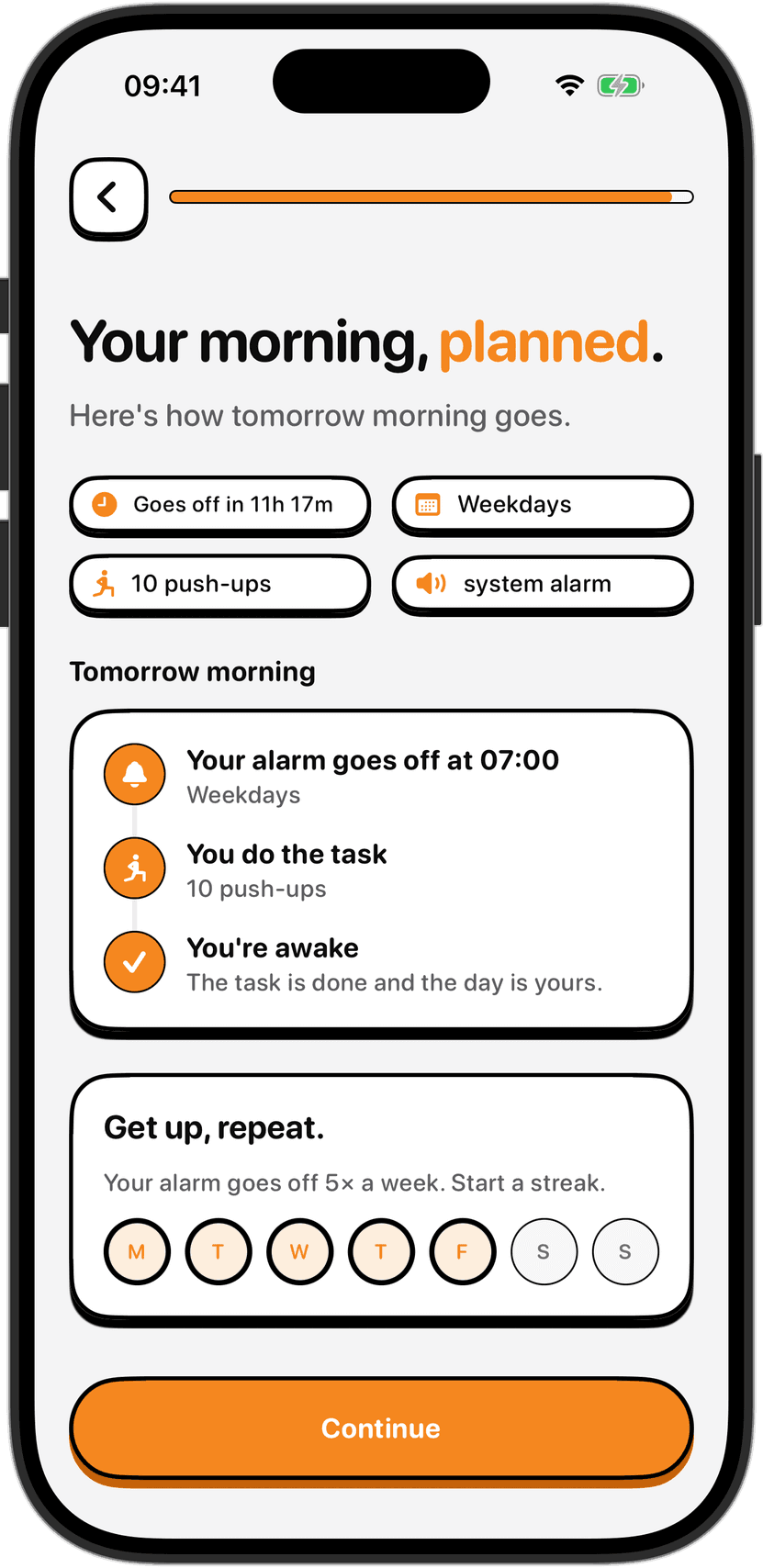
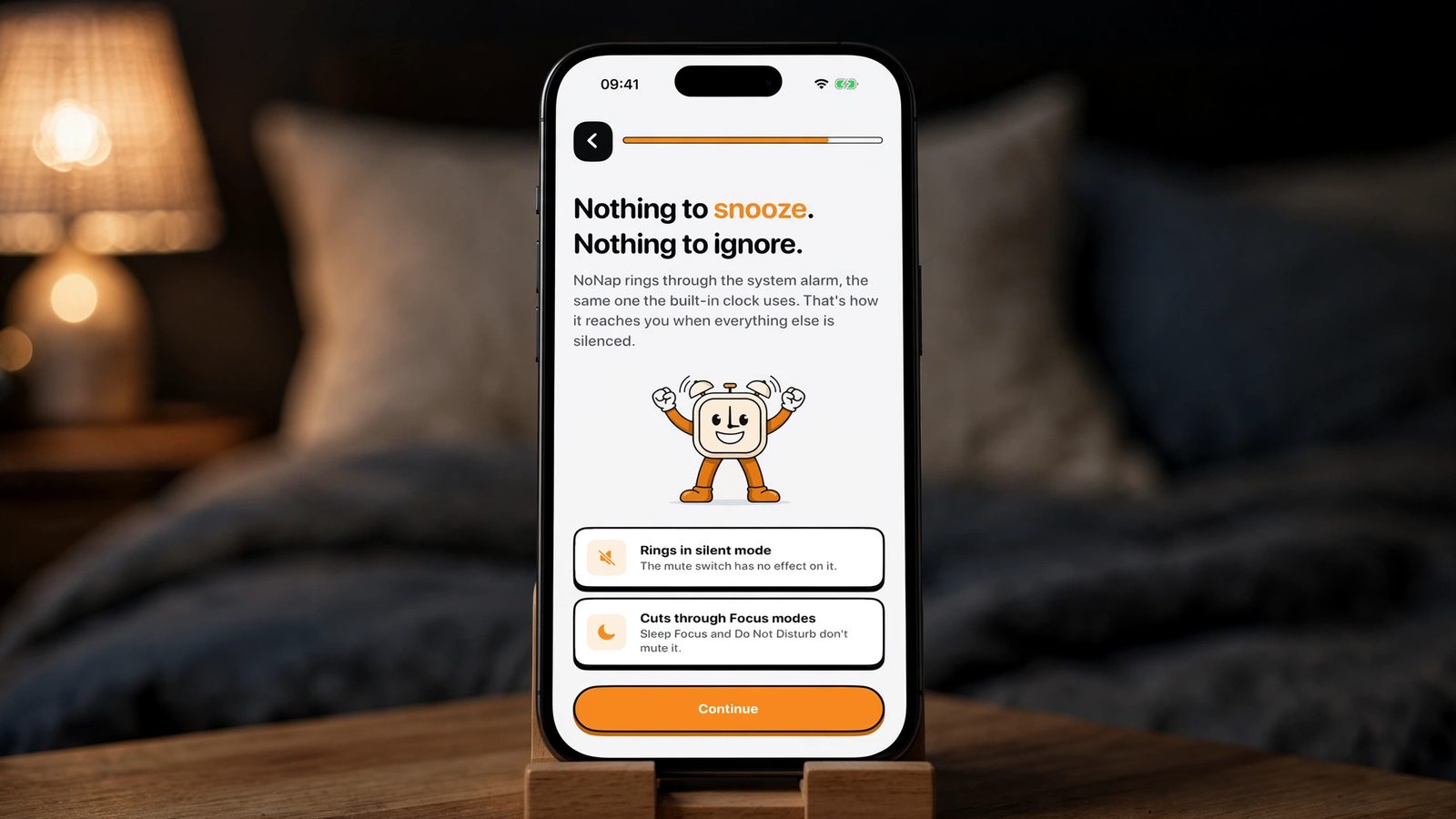
NoNap is built around that same system-level alarm, the one the built-in Clock app uses, rather than a notification standing in for one. The app says as much on its own onboarding screen: the mute switch has no effect on it, and Sleep Focus and Do Not Disturb do not mute it either. That reliability is also the reasoning behind NoNap's push for one alarm instead of a backup stack. People set five or six alarms nine minutes apart because they have learned any single one might get muted or missed; an alarm that already cuts through silent mode and Focus does not need that insurance policy.
What this changes about picking a wake task
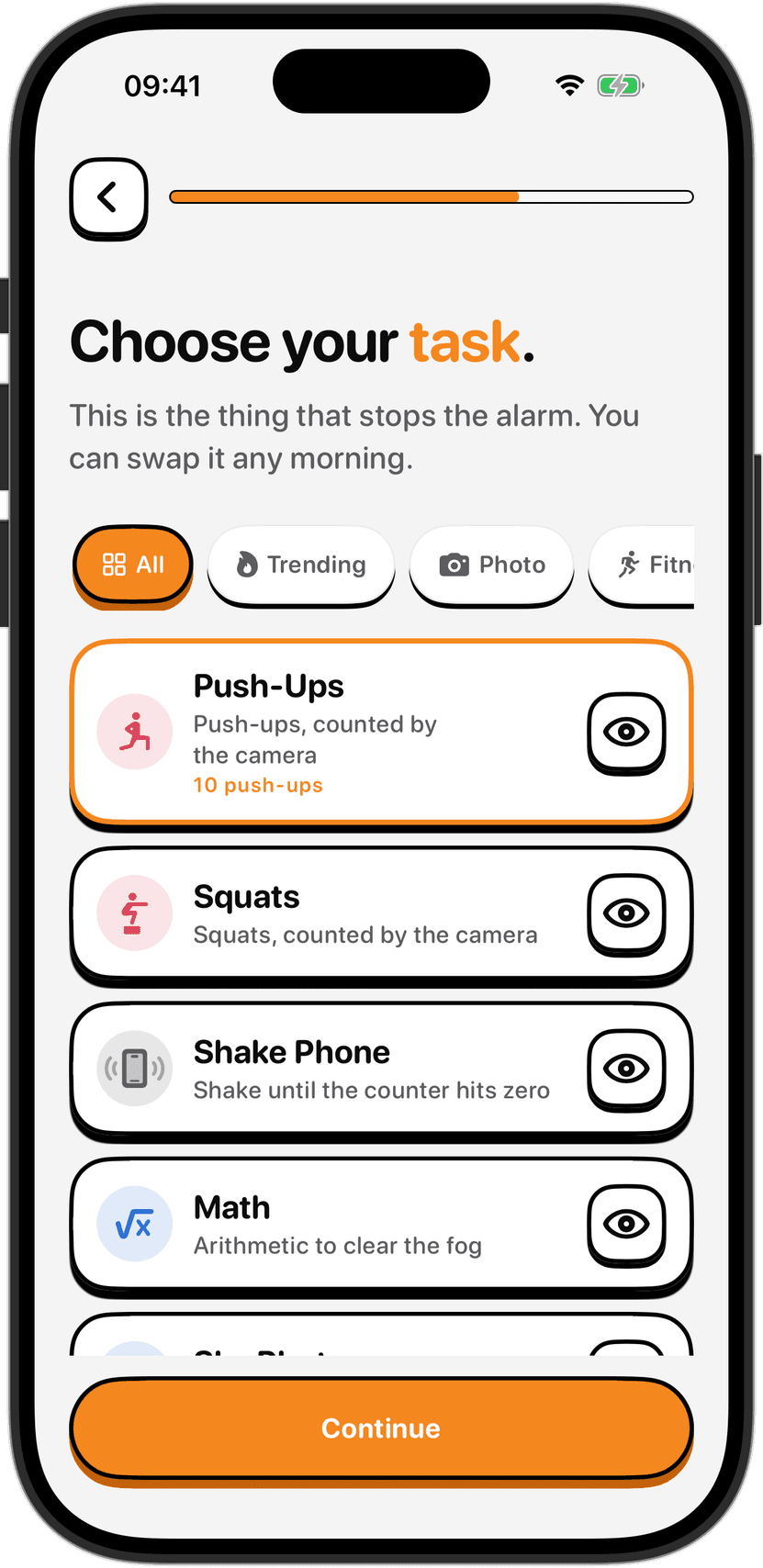
Getting through silent mode only solves the first half of the problem. An alarm that rings loudly and gets swiped away half asleep has not actually done its job, which is the whole reason an alarm needing a wake task to switch off exists in the first place: the ringing has to lead somewhere. Whether that task is a set of camera-counted push-ups or a quick math problem, the point is the same. The alarm's job is to get past every mute setting on the phone; the task's job is to make sure you are actually awake once it has.
It is worth being precise about the limits here too. Ringing through silent mode is not the same as a guarantee. Battery life, Low Power Mode, a phone switched fully off, or a permission revoked after setup can all still keep any alarm, built-in or third-party, from sounding. Apple's support page on alarms is specific about the mute controls and nothing more, so a backup alarm on a second device is still the sane move before anything that actually matters: a flight, an exam, a shift that starts on time.
Checking it on your own phone
If an alarm has ever failed to ring during a Focus you had running, it was very likely a notification-based reminder standing in for a real alarm, not an alarm scheduled through the Clock app or a modern AlarmKit-based app. The fix is not to adjust your Focus settings or add exceptions. Real alarms were never inside that system to begin with, so there is nothing to allow through. The only thing worth checking is whether the app making the sound actually uses the alarm rather than a notification dressed up to look like one.
Sources
Apple Support, "How to set and change alarms on your iPhone," support.apple.com/en-us/118444, accessed September 2026, for the statement that Do Not Disturb, the Ring/Silent switch, and Silent mode do not affect the alarm sound.
Apple Developer, "Wake up to the AlarmKit API," WWDC 2025 session, developer.apple.com/videos/play/wwdc2025/230/, for the description of AlarmKit alerts breaking through silent mode and the current Focus, and for the iOS and iPadOS 26 framework introduction.
MacRumors, "iOS 26 Makes Third-Party Alarm and Timer Apps Better," June 11, 2025, macrumors.com/2025/06/11/ios-26-third-party-alarm-apps, for how third-party alarms behaved before AlarmKit, including that alerts could be silenced by Focuses and lacked Lock Screen access.